Attach a file to a repair
Adding a photograph of the damage, a warranty paper, or anything else worth keeping beside the job.
A file is attached to the record it belongs to rather than uploaded into a folder of its own. Do it that way and the photograph is on the ticket when somebody opens it a year later, which is the whole point.
Highlights
- Attach from the record, not from the Documents screen.
- The activity panel takes files alongside comments, on an open ticket.
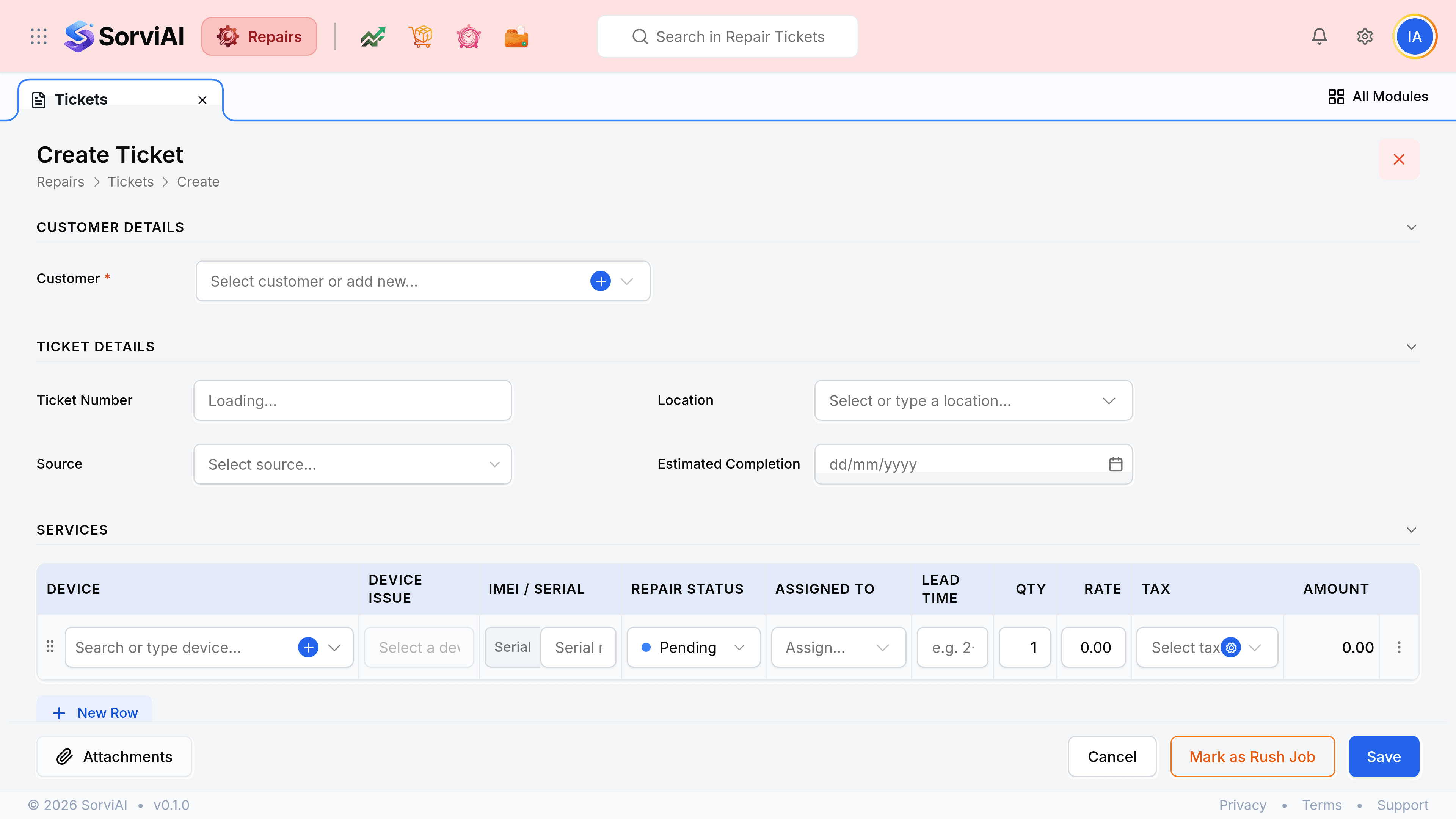
- Create forms have an Attachments control in their footer.
- Uploading from Documents leaves the file standalone, attached to nothing.
- Photograph the damage at intake. It is the evidence nobody has later.
From an open ticket
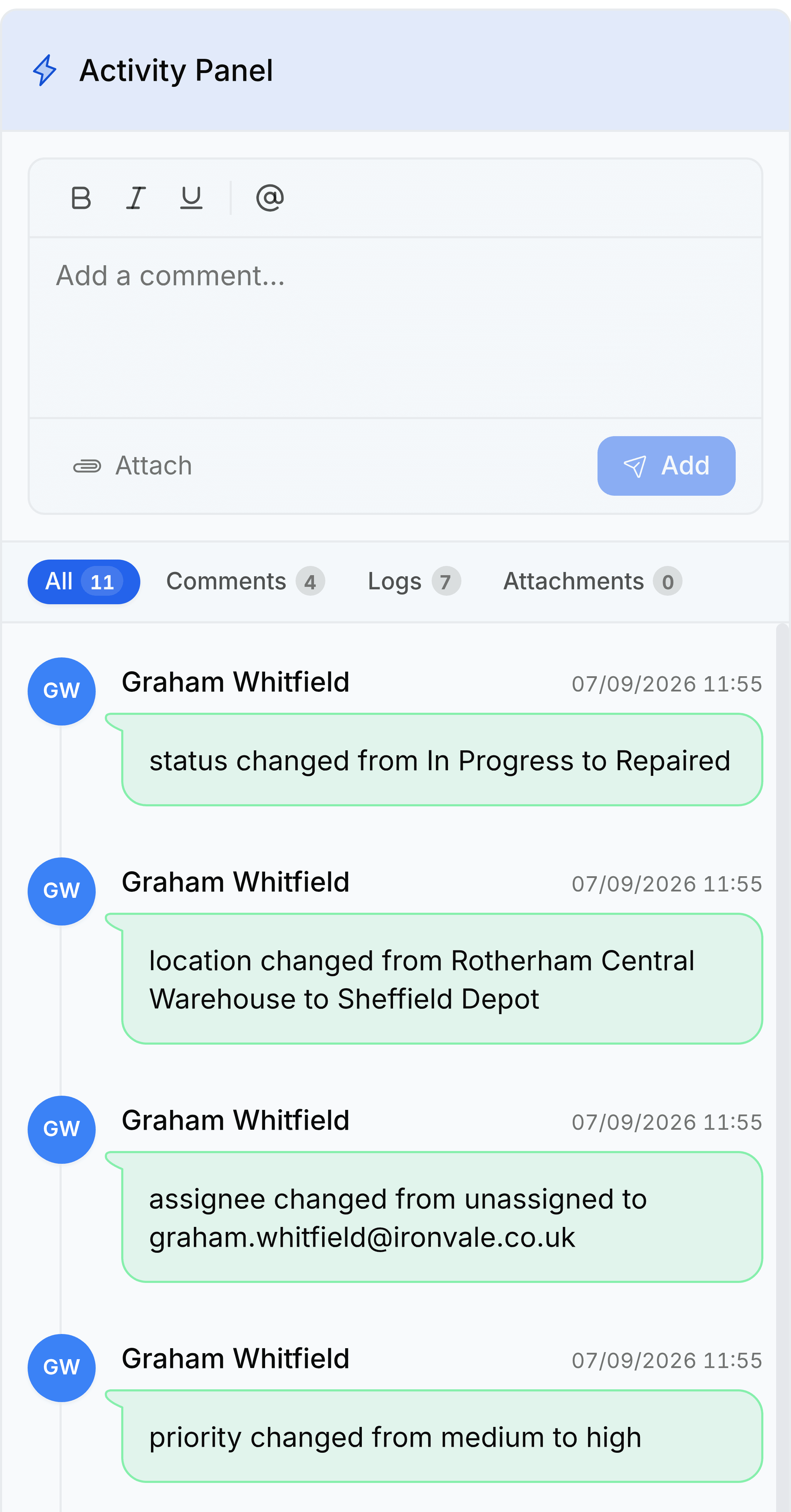
The activity panel down the right of a ticket takes files as well as comments, and anything added there is attached to that ticket.
Open the ticket
Go to Tickets and select the job the file belongs to.
Select Attach in the activity panel
It is beneath the comment box, beside the Internal toggle.
Choose the file
Your browser's file picker opens.
Add a comment saying what it is
A photograph called IMG_4471 means nothing to the next person. A line such as Gland seal as received, before strip-down costs seconds and saves an argument.
Select Add
The file is on the ticket, and the Attachments chip counts it.
While creating a record
Every create form carries an Attachments control in its footer, so a file can go on at the moment the record is made rather than being added afterwards.