
Templates
The PDF layout for every document Repairs prints, chosen per document type, with one of each marked default.
Templates are what a customer actually receives: the layout of the work report, the quote and the invoice. They are chosen per document type, so a work report and an invoice can look nothing alike.
Go to SettingsTemplates. One tab, PDF Templates, opening on two rows of choices above the gallery: a category, then a document type within it.
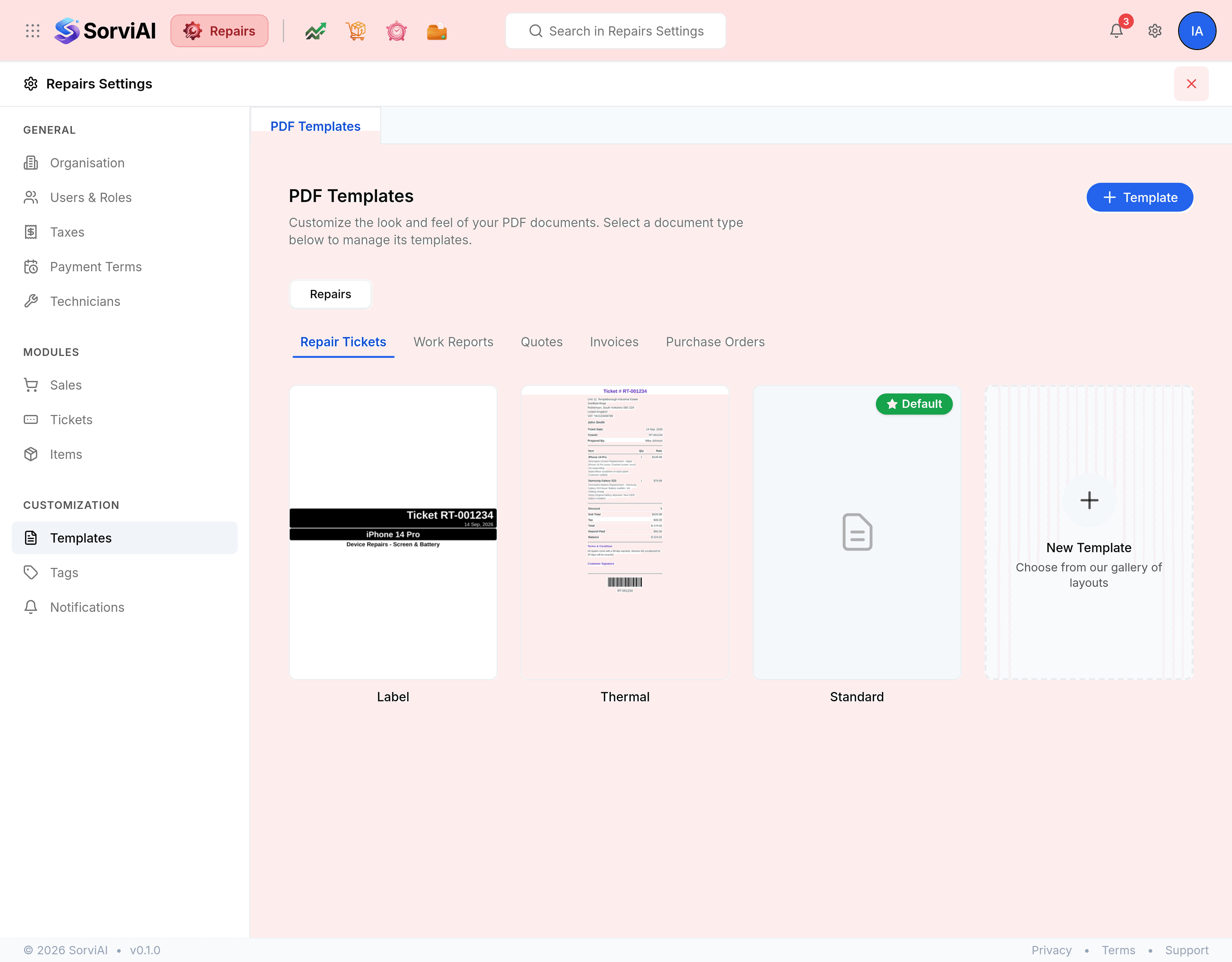
What you can do with a template
- Edit
- Opens the template in the editor, where its layout, colours and columns are set.
- Preview
- Renders the template so you can read it before committing it to a customer.
- Set as default
- Makes it the template new documents of that type use. The badge moves to it.
- New Template
- Starts another one for the same document type, which is how a second brand or a customer-specific layout is handled.
The seeded template that ships with the product cannot be deleted. Yours can, once it is not the default.