
What variant options are
A list of the option axes your catalogue uses and the values each offers, shown as one-select chips while you build variants.
Building variants goes faster, and stays consistent, when the axes are already written down. Variant Options is that list: the axes your catalogue uses, and the values each one offers.
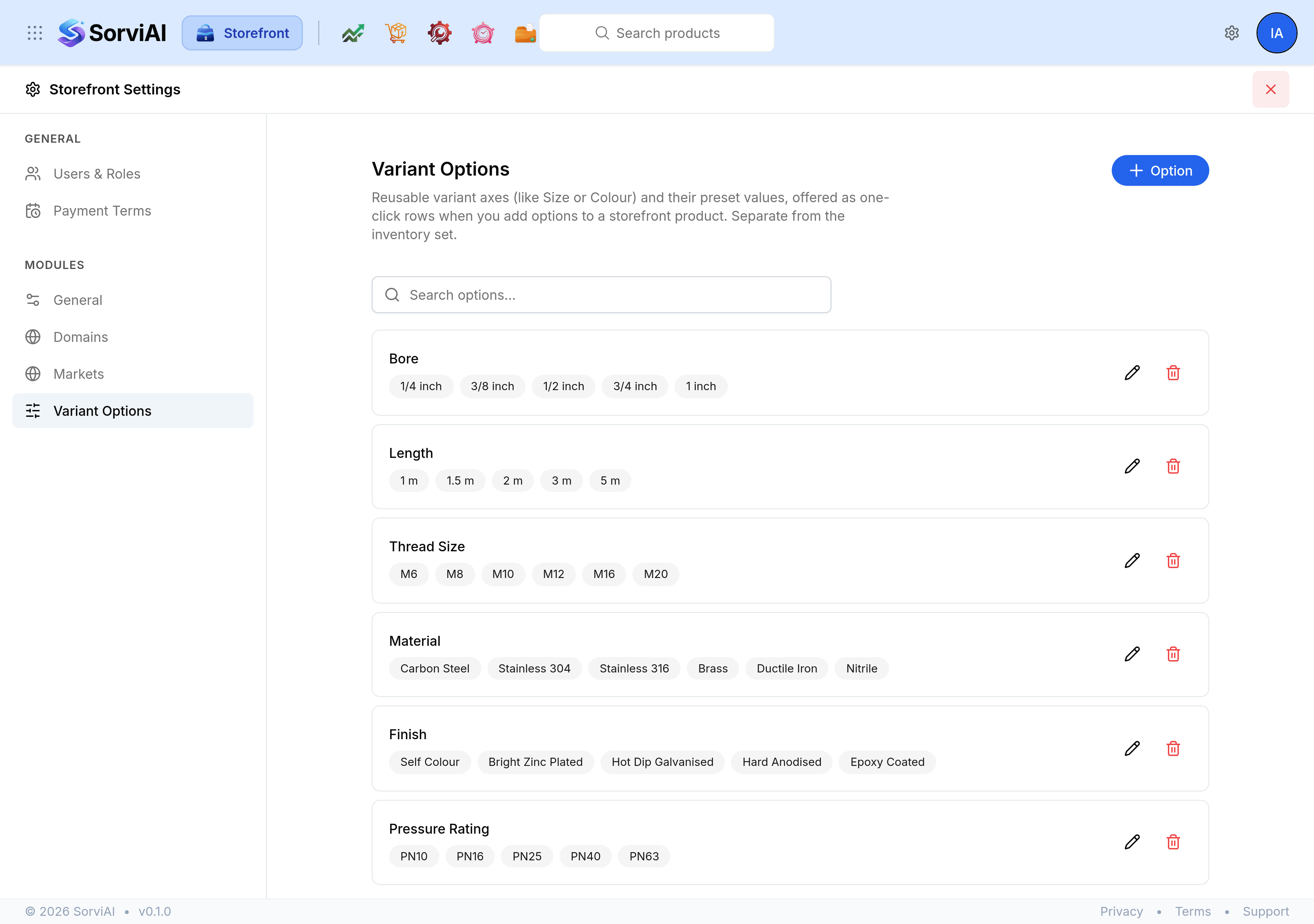
Where the list shows up
While you are adding options to a product, the saved axes appear as chips under the option name field. Selecting one fills in the name, so Bore is spelled the same way on the fiftieth product as on the first.
That is the whole purpose. The list is a set of suggestions, not a constraint: a product can still use an axis that is not on it.
This list is Storefront's own
Nothing here is stored on a product
A product stores the value itself, such as 1/2 inch, not a reference back to this list. Two consequences follow, and both are reassuring.
- Deleting an option is safe
- Products built with that axis keep their variants, their names and their values exactly as they are. Only the suggestion goes.
- Renaming an option is not retrospective
- Products already built keep the old spelling. The new name applies to what you build next, so a rename is worth doing early or not at all.
What makes a good list
- Axes a shopper chooses between
- Bore, length, colour, material. Not attributes they merely read, which belong in metafields.
- One spelling each
- The whole benefit is consistency. Two entries meaning the same thing undo it.
- The values you actually stock
- A list of every size that exists is longer to read than typing the three you sell.