
When a domain will not connect
Why a domain sits at Waiting for DNS, what an error under the list is telling you, and what to check at your registrar.
Almost every domain problem is one of three things: the record has not been added, it has been added wrongly, or it has been added correctly and has not spread yet. Each heading below is a situation you might meet, with the reason and the fix.
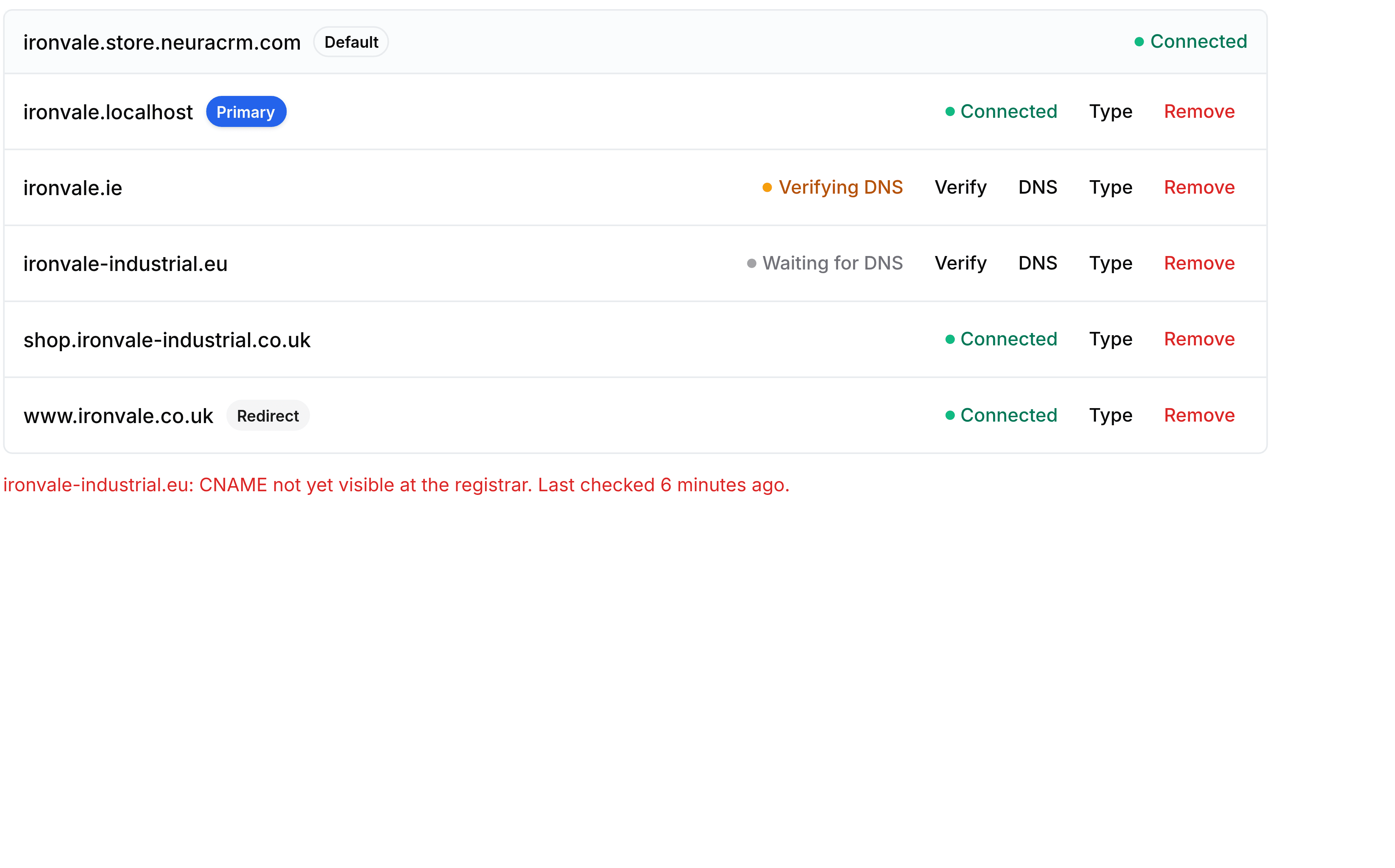
The domain sits at Waiting for DNS
Why: the record has not been seen at all. Either it was never added at the registrar, or it was added somewhere other than where Storefront is looking.
What to do: select DNS on the domain's row, read the Type, Name and Value it asks for, and compare all three against what is actually at your registrar. The name is the part most often wrong: a record for the wrong subdomain looks right at a glance and matches nothing.
Verification failed a moment after I added the record
Why: DNS changes spread at their own pace, and a check run straight after a change is usually early rather than wrong.
What to do: leave it and select Verify again later. Nothing is lost by waiting, and the domain keeps its place in the list while you do.
There is an error message under the list
Why: the check ran and found something it could not accept. The message names the domain and says what was found, including when it last looked.
What to do: read the message rather than re-adding the domain. A record pointing at the wrong target, or an old record left beside the new one, are the two common causes and neither is fixed by starting again.
Prices are wrong for visitors on one domain
Why: this is a market question rather than a domain one. A domain not linked to a market falls back to the primary market and shows its currency.
What to do: open Markets, edit the market that domain belongs to, and choose it in the Domain picker.
The domain picker is not on the market form
Why: your role has Markets but not Domains. Linking a domain is a write to the domain, so somebody with only the Markets grant cannot make the link and is not shown a control whose save would be refused.
What to do: ask an administrator, or ask to be granted Domains as well.
Removing a domain took the site down for those visitors
Why: Remove stops the domain serving immediately.
What to do: connect it again and re-verify. Anything printed or linked with that address stops working while it is gone, so treat removal as the last step rather than a way to retry.