
Set the quick stock adjust defaults
Turn the inline on-hand editor on or off for everybody, and choose the reason and account each inline correction is posted with.
A variant page can correct an on-hand figure in place, which saves opening the full adjustment sheet for a count that is out by two. That shortcut still posts a real stock adjustment, and an adjustment needs a reason and an account. These three fields are where it gets them.
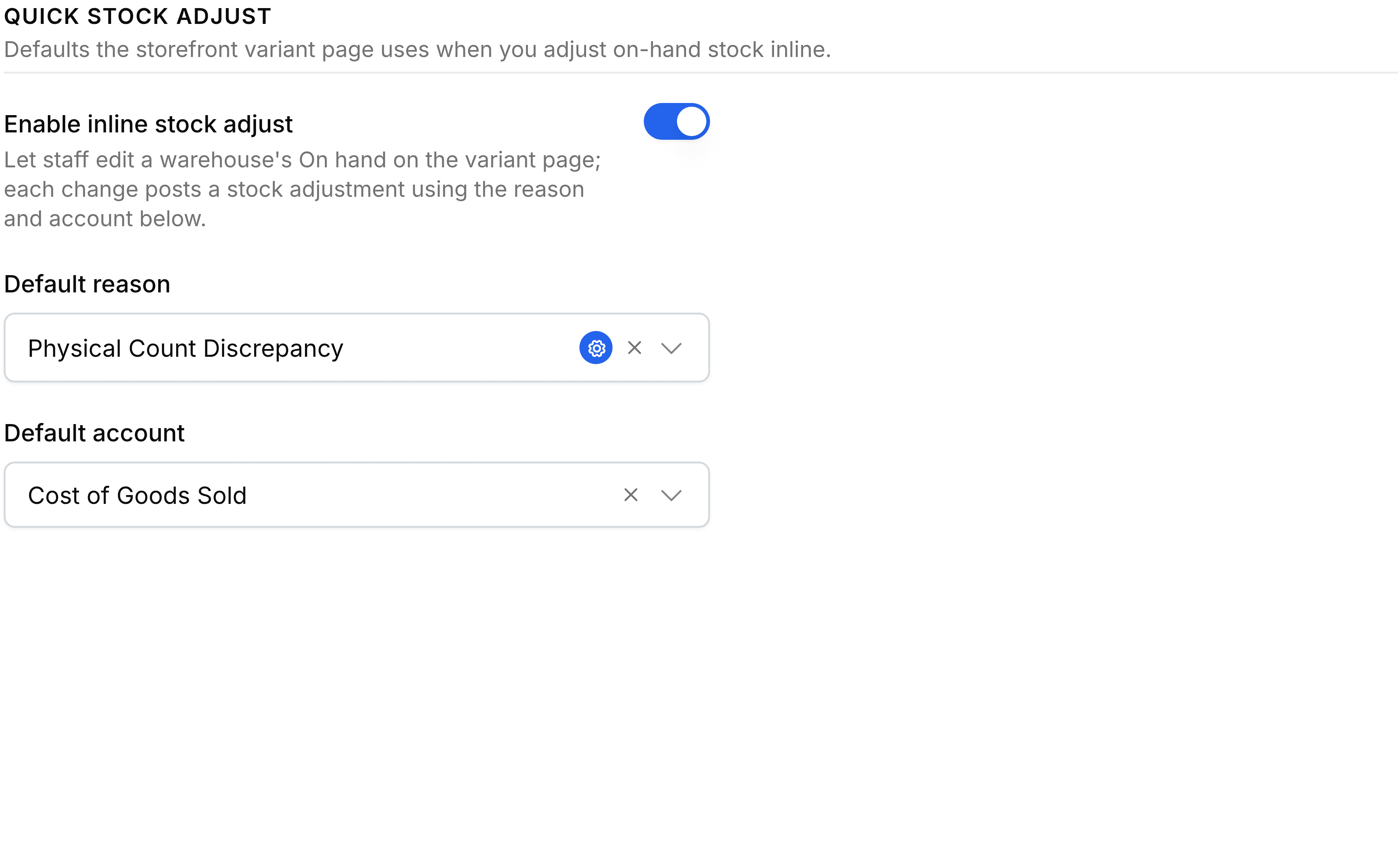
Open Storefront Settings and select General.
Under Quick stock adjust, turn Enable inline stock adjust on.
Choose a Default reason. Only reasons that apply to quantity are offered.
Choose a Default account for the adjustment to be posted against.
Select Save.
What each field decides
| Field | What it does |
|---|---|
| Enable inline stock adjust | Whether staff can edit an on-hand figure from a variant page at all. Turned off, the control disappears for everybody. |
| Default reason | The adjustment reason every inline correction is filed under. |
| Default account | The account the adjustment is posted against. |
Turning it off
Turn the switch off where corrections should go through the full adjustment sheet, with its own approval and its own note. Nothing already posted is affected; only the shortcut goes.