
What the homepage is
The front page is a stack of sections and nothing else, so what a visitor meets and in what order is whatever you leave on the screen.
There is no fixed homepage template. The front page is a stack of sections, top to bottom, and the stack is entirely yours: remove them all and the page is empty, add eleven and it is long.
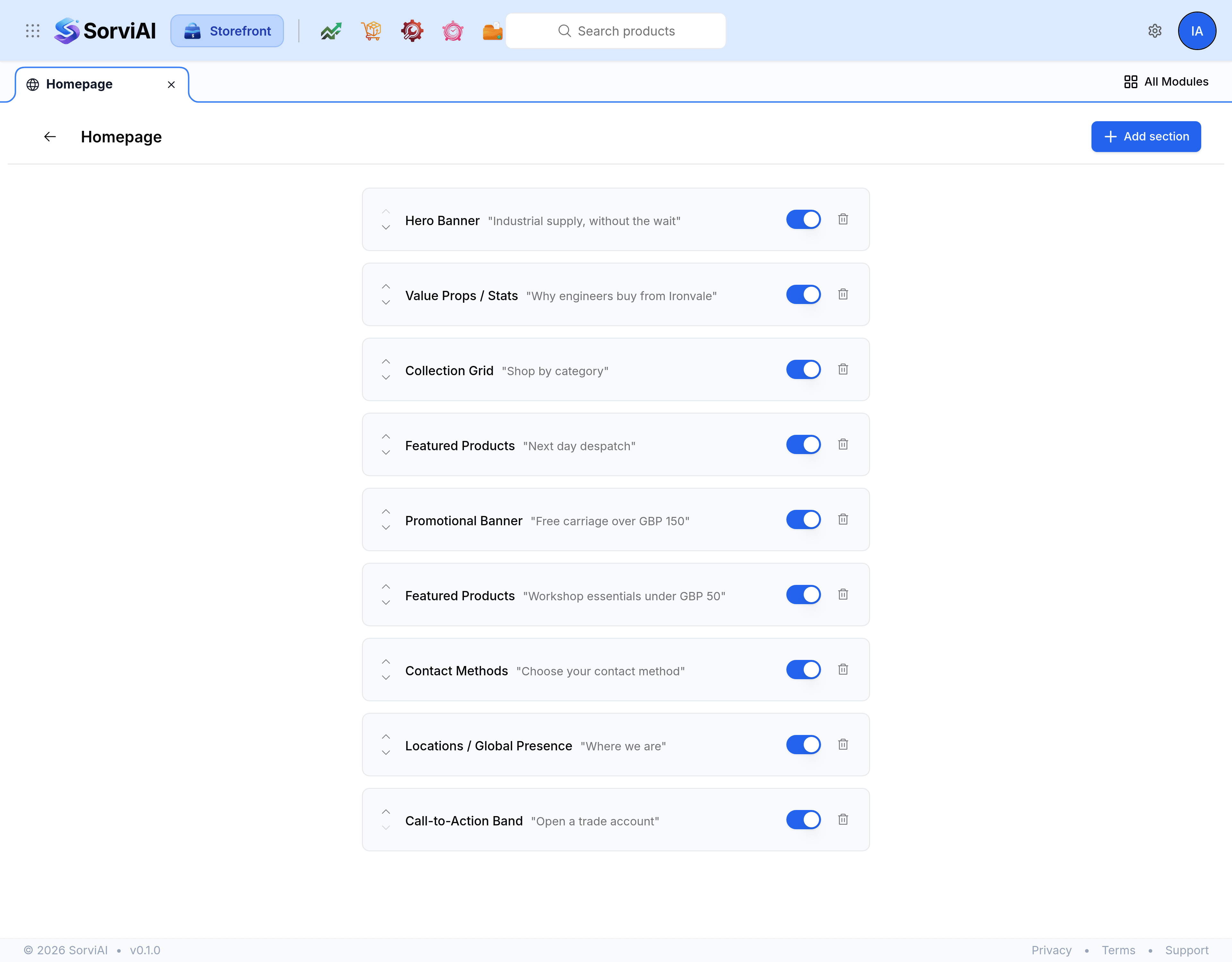
What a section is
Each section is a band across the page with four things about it.
- Type
- What the section is. Chosen when you add it and fixed afterwards, so changing your mind means adding a different one.
- Order
- Where the band sits. Sections are shown top to bottom in the order they are listed.
- Enabled
- Whether it is shown at all. Turning one off keeps every setting in it, which is what you want for a seasonal band.
- Config
- The section's own fields: its heading, its subtitle, its list of items, its colours.
Appearance is on every type
Whatever the type, a section also carries an Appearance group with a background colour and a text colour. Leave both empty to keep the section's built-in look, which is usually right: a homepage where every band has been given a colour by hand is a homepage nobody can restyle later.
The same editor builds a page
The section editor reached from Manage sections on a content page is this screen, scoped to that page. Anything you learn on the homepage works there, and the section types on offer are the same list.
A first homepage that works
An honest order for a store that has just opened: a hero saying what you sell and who to, a row of value props, a grid of your main collections, one featured row, and a call to action. Five sections is a finished front page, and it is easier to add a sixth later than to cut four.