
Set up markets
Define the regions you sell into, each with its own currency, rounding rule and the countries it serves, and link a domain to one.
A market is a region you sell into, with the currency its shoppers expect and a rule for how prices round in it. One market is marked primary and is the fallback for any visitor a domain does not place somewhere else.
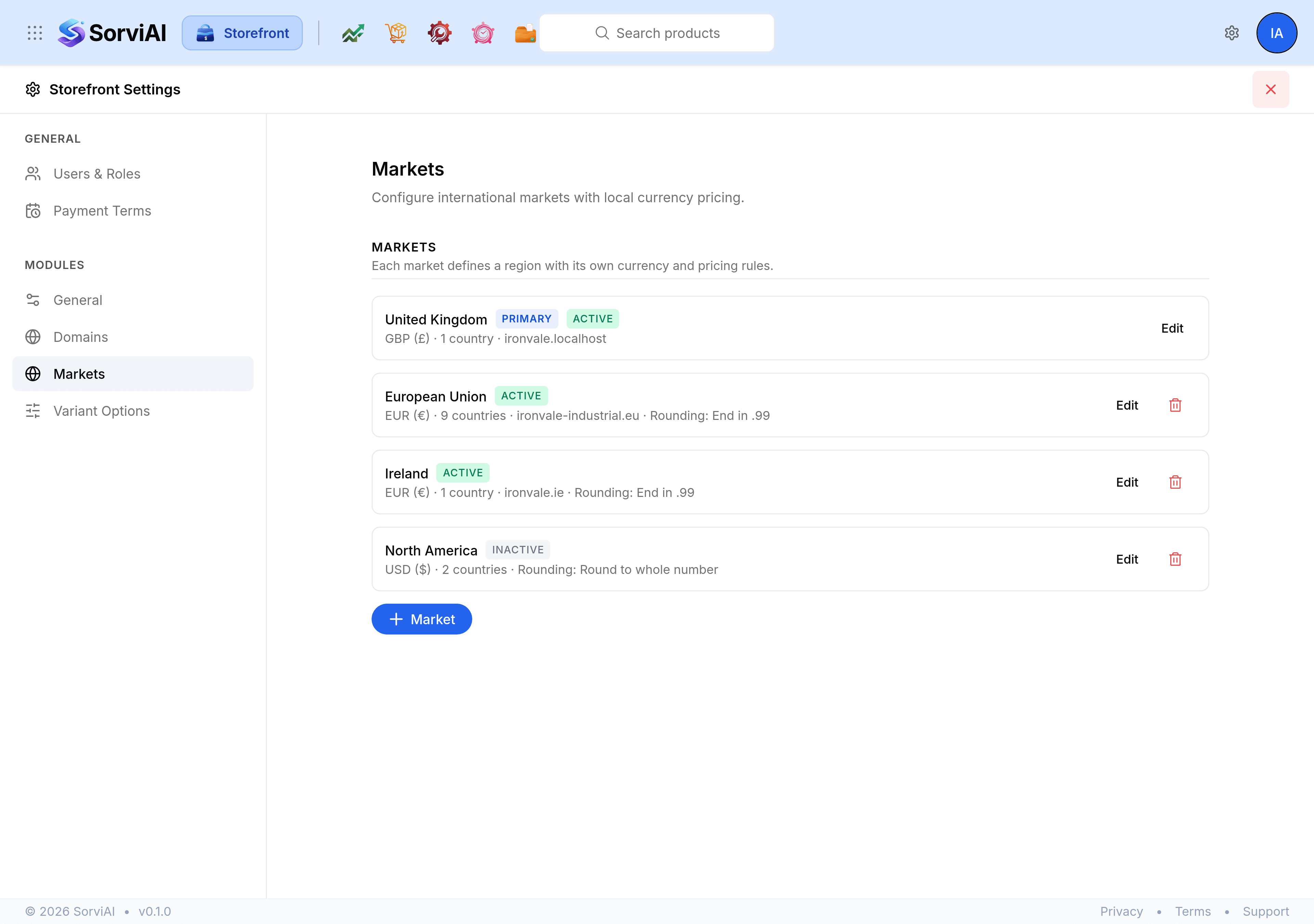
Create a market
Open Storefront Settings and select Markets.
Select Market.
Enter a Name, such as
Ireland. Leave Slug empty to have one generated from it.Choose the Currency and a Price rounding rule.
In Countries, enter two-letter country codes separated by commas. The line underneath shows what was understood.
Choose a Domain if this market has one of its own.
Select Active, and Primary market if this is the fallback, then select Save.
The rounding rules
- No rounding
- The converted price as it comes, to the currency's own precision.
- End in .99
- Rounds to the nearest price ending in .99.
- Round to whole number
- No minor units at all.
- Currency precision only
- Rounds to however many decimal places the currency uses.
Pick one per market rather than one for the store. A price ending in .99 reads as retail in one country and as odd in another.
Link a domain to a market
The Domain picker on the market form ties a hostname to this market, so a visitor arriving on it sees prices in that market's currency. A domain already linked elsewhere says so in the list, and choosing it here moves it.
Active, inactive and primary
- Active
- The market is in use. Clear it to stop offering the region without losing its setup.
- Primary market
- The fallback for every visitor not placed in another market. Exactly one market should hold it, and it cannot be deleted while it does.
Select Edit on a market to change it, and the delete control to remove it. The primary market has no delete control, which is the safeguard against a store with nowhere to fall back to.