
Create a collection
Name a collection, describe it, choose whether it fills by rules or by hand, and set it active.
A collection needs a name and a decision: rules, or your own picking. Everything else can be filled in afterwards.
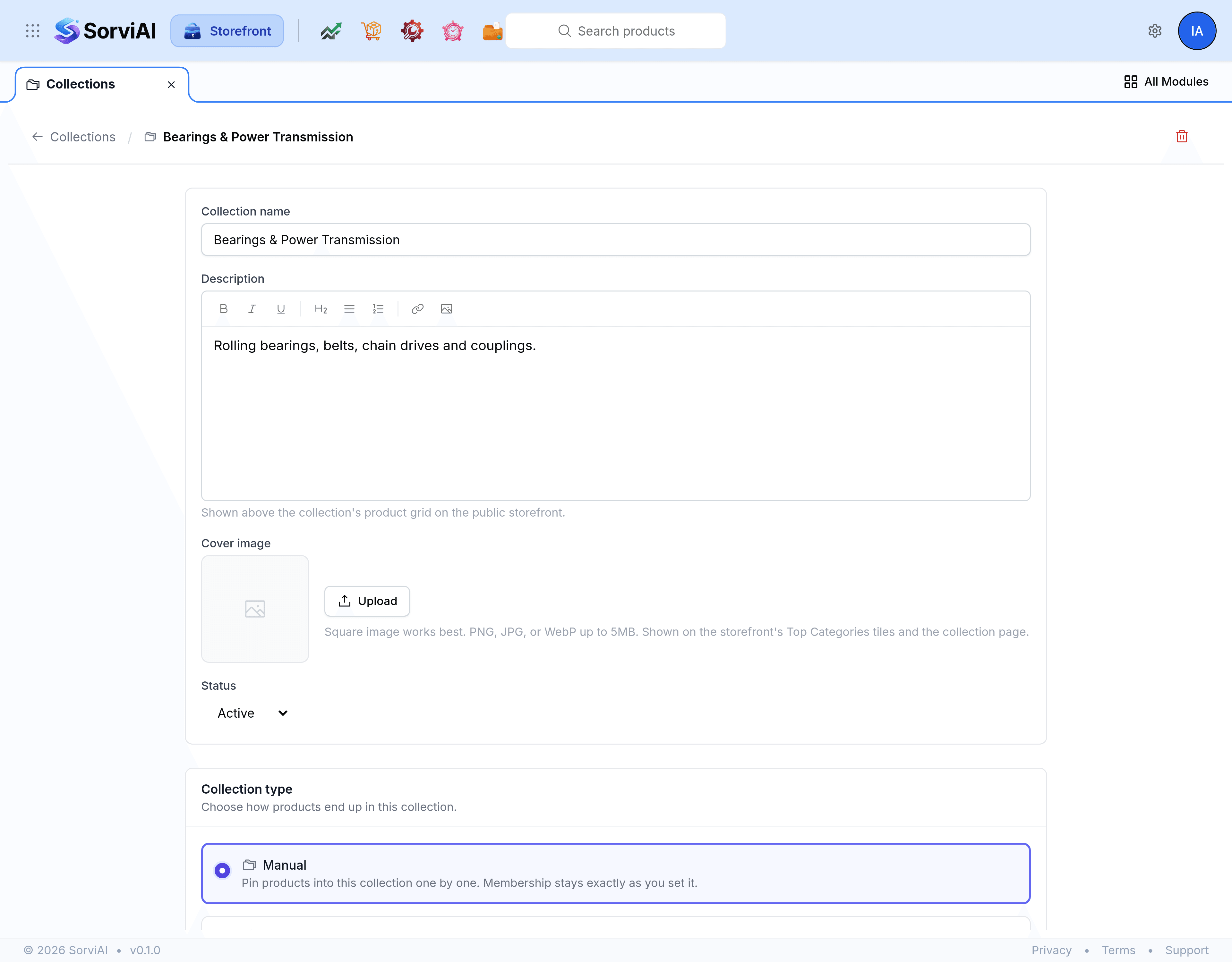
Go to Collections and select New collection.
In Collection name, enter the name a shopper will see.
In Description, write a sentence or two for the collection's own page.
Under Collection type, choose Smart to fill it with rules or Manual to pin products yourself.
Set Status to Active when it is ready to be offered, or leave it Inactive while you work on it.
Select Save.
Name the collection the way a customer would ask for it. "Next Day Despatch" is a collection somebody looks for; "Category 4B" is a filing reference.
Change the type later
Switching between Smart and Manual is allowed after a collection exists, and the two hold their memberships separately. Products you pinned by hand are kept when you switch to smart, and they are still there if you switch back, so experimenting with rules does not cost you the hand-picked set.
Delete a collection
Open the collection and select Delete. Storefront asks you to confirm. Deleting the collection does not delete the products in it: they stay in the catalogue and stay published, they simply stop being grouped this way.