
Who can work in Storefront
The Users tab lists everybody with access, and the Roles tab holds the roles that decide what each of them may do.
Users & Roles answers two separate questions, one per tab. Who has an account here, and what a role lets them do. Keeping them apart saves a lot of confusion: adding somebody and granting them something are different jobs.
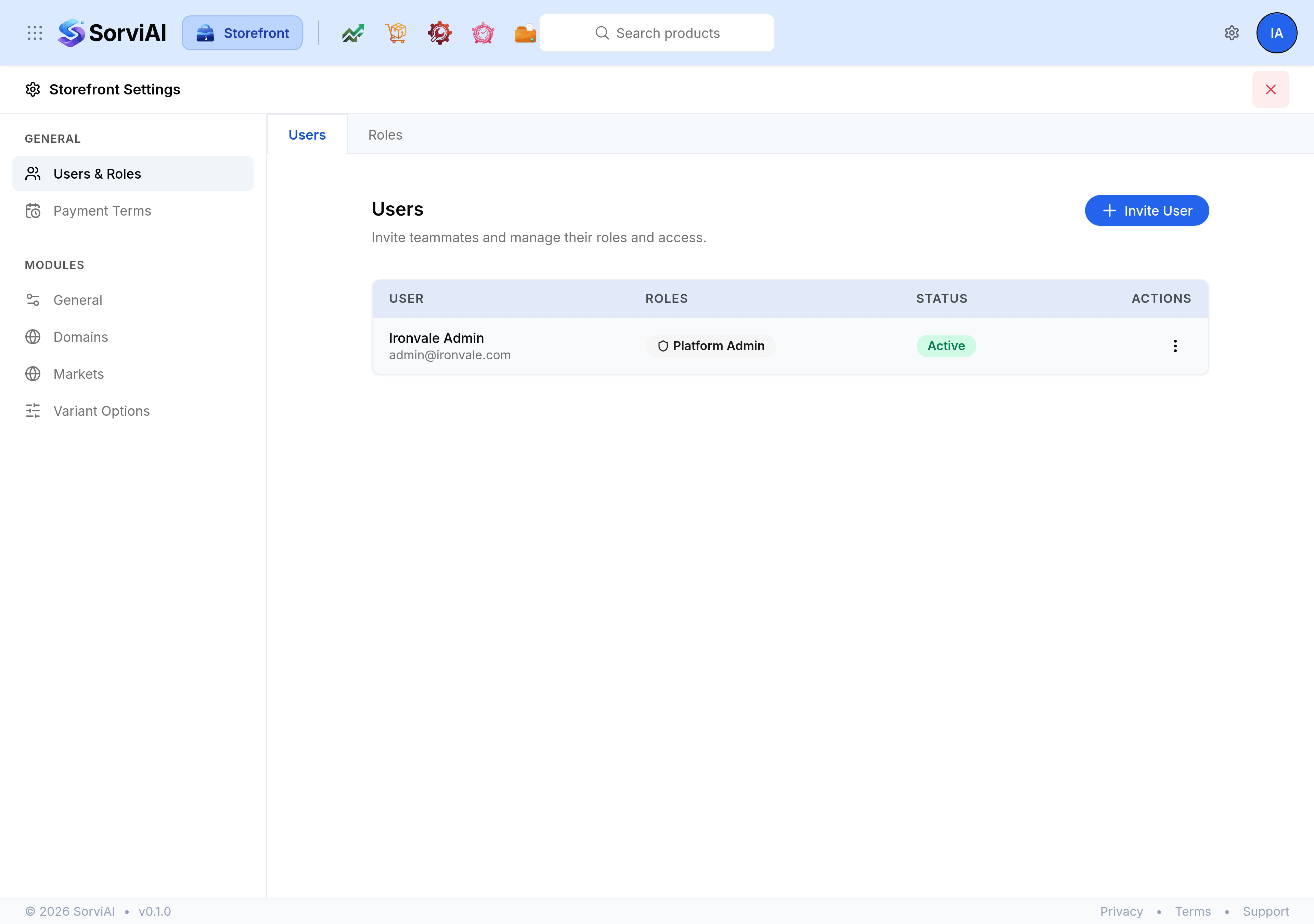
The Users tab
Everybody with access is listed with the roles they hold and whether their account is active.
- User
- Their name, with the email address they sign in with underneath.
- Roles
- The roles assigned to them, shown as chips. Platform Admin is the one that carries everything.
- Status
- Active, or not. An inactive account keeps its history and cannot sign in.
- Actions
- The menu for editing somebody's details and roles, or removing them from the workspace.
The Roles tab
A role is a named set of permissions, and every person holds one or more.
- Role
- The name, which is what appears as a chip beside a person.
- Scope
- Which app the role belongs to. This is the column that matters most here.
- Description
- What the role is for, in your own words.
- System
- A badge on roles that came with the product. They can be read but not deleted.
Storefront roles are Storefront's own
Roles are scoped per app. A role created here grants nothing in Finance or Inventory, and a finance role grants nothing on the storefront.
- Platform administrator
- Administers the whole organisation, so every app and every settings screen is open to them.
- Storefront administrator
- Administers this app only. They can reach Storefront Settings but have no standing anywhere else.
- Everybody else
- Works to the extent their role's permissions allow, on the screens those permissions reach.
Settings grants are per screen
Somebody can be given Markets and not Domains. The rail then lists only what they may open, and the controls that would write to a screen they were not granted are hidden rather than shown and refused. A shorter rail than a colleague's is a permissions matter, not a missing feature.