
Invite someone to Storefront
Send an invitation with the role it carries, then edit or remove the person later from the same list.
Somebody is invited with the role they will hold, so the invitation and the grant are one act rather than two. Decide the role first and the rest is four fields.
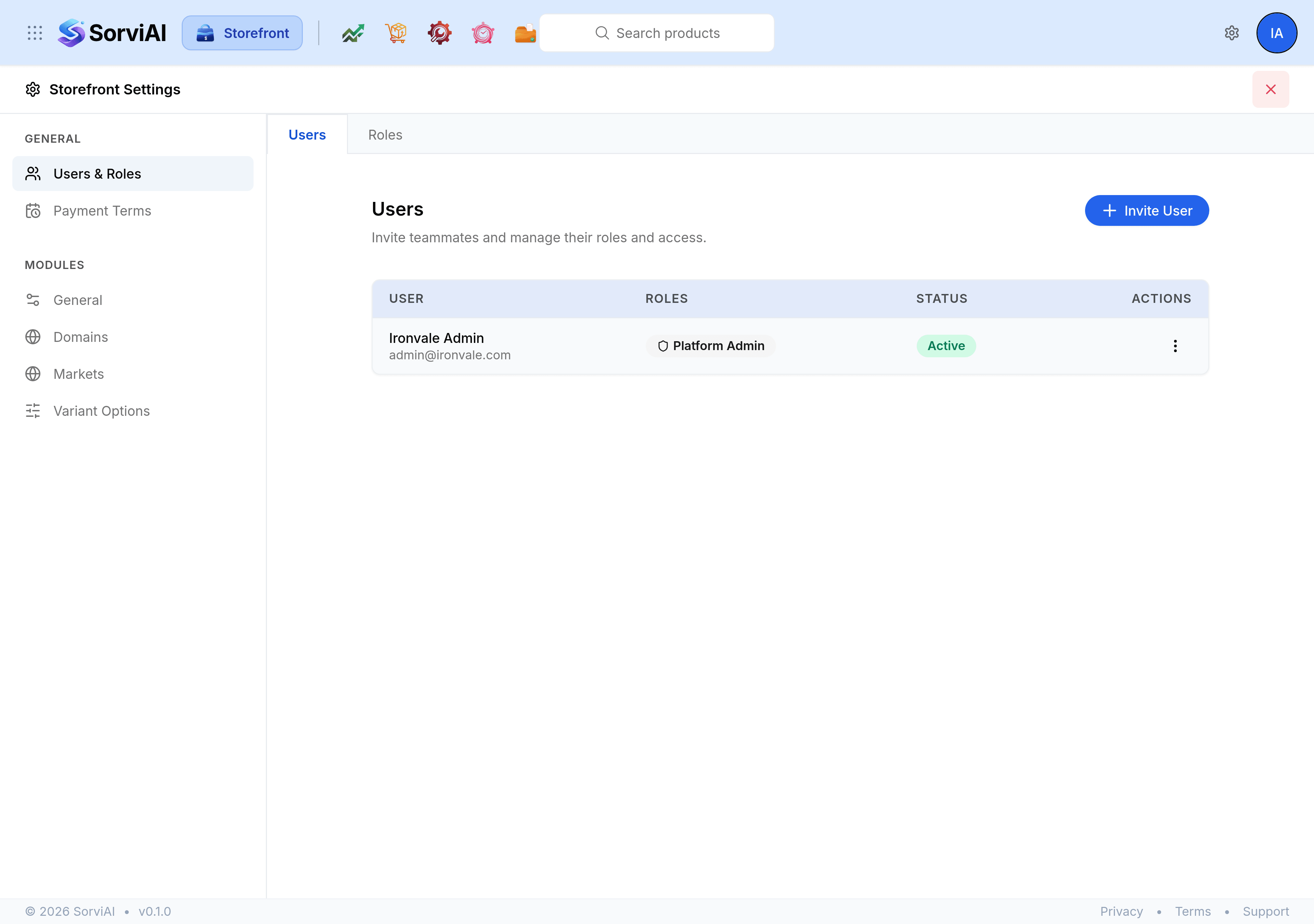
Send an invitation
Open Storefront Settings and select Users & Roles.
On the Users tab, select Invite User.
Enter their First name and Last name.
Enter the email address they will sign in with.
Choose the Role they should hold.
Send the invitation. They appear in the list once they accept it.
Change somebody's details or roles
Open the actions menu on their row and select Edit User. Their name and the roles they hold can both be changed there, and the change takes effect the next time they load a screen.
Remove somebody
Open the actions menu and select Remove. Storefront asks you to confirm, naming the person and the workspace.