
Access Storefront
How Storefront is switched on for you, what an administrator can do that other roles cannot, and what to check when a screen is missing.
Signing in to SorviAI lands you on the App Center, and Storefront is one of the tiles on it. Getting into Storefront and being allowed to change a particular thing inside it are two separate questions, and it helps to keep them apart.
What gets you in
- The app, granted to your organisation
- An administrator turns Storefront on for the company. Without it, no account here has it.
- The app, granted to you
- Access is given per person, alongside the other apps in the suite. If the Storefront tile is missing from the App Center, this is almost always why.
From inside another app, the grid of dots at the far left of the header opens the same set without going back.
What your role decides once you are in
Storefront roles are scoped to Storefront. A role that makes somebody an administrator here gives them nothing in Finance or Inventory, and the reverse is true too: a finance administrator is an ordinary user on the storefront unless somebody says otherwise.
- Platform administrator
- Administers the whole organisation, so every Storefront screen and every setting is open to them.
- Storefront administrator
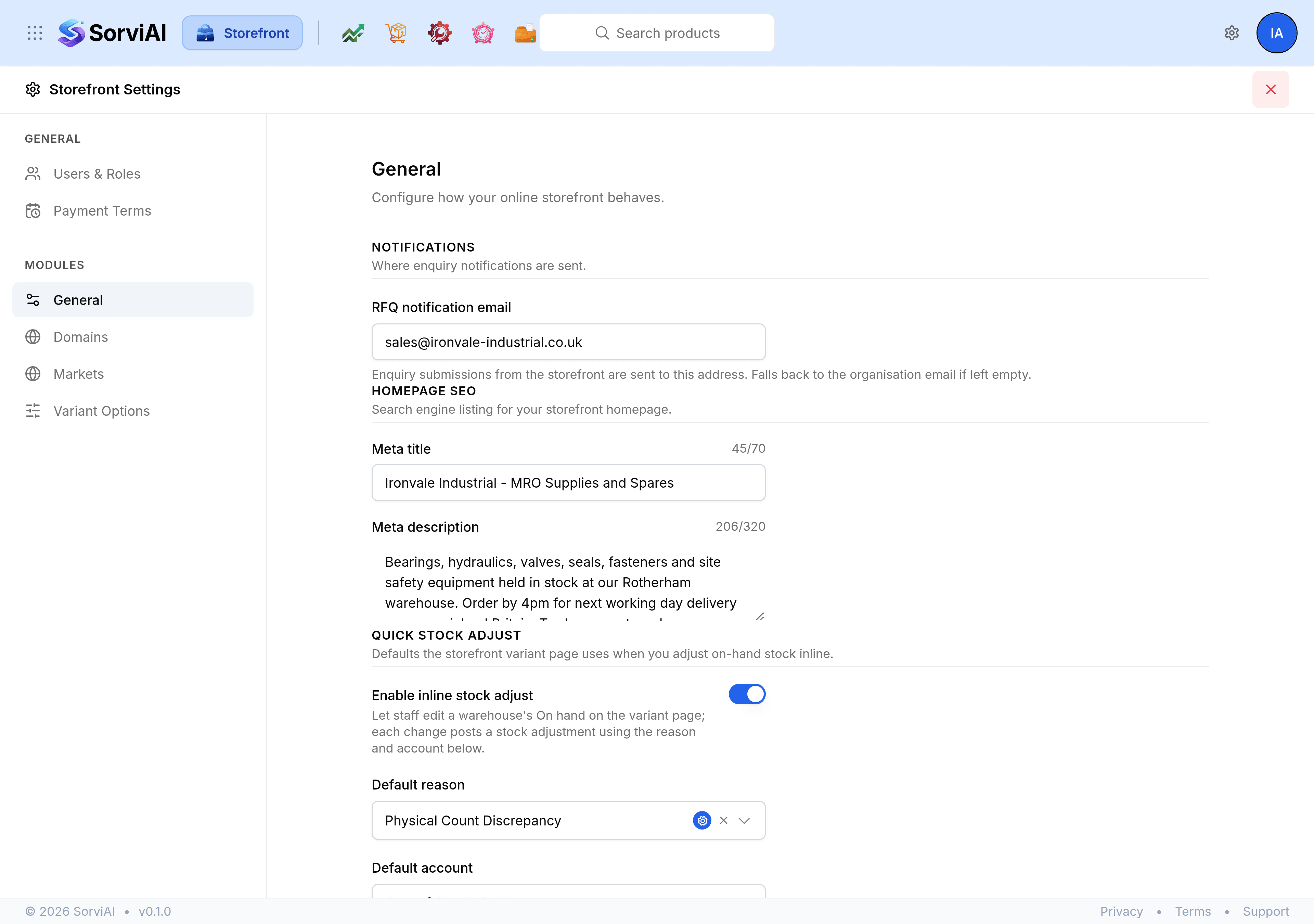
- Administers this app only. They can reach Storefront Settings, including domains and markets.
- Everybody else
- Works in the catalogue itself, to the extent their permissions allow. Settings screens they have not been granted do not appear in the rail.
When something is missing
- No Storefront tile in the App Center
- The app has not been granted to your account. Ask your administrator to add it.
- The settings gear opens nothing useful
- You have no Storefront settings grants. The catalogue screens still work.
- A settings entry is absent from the rail
- That screen has not been granted to your role. The rail lists only what you may open.
- A product is in the list but its page is not public
- That is publishing, not permissions. Check the Online storefront switch on the product.