
Welcome to Storefront
What Storefront covers, and the groundwork worth doing before your catalogue goes in front of customers.
Storefront is the public face of your catalogue: the products you choose to show, the collections a shopper browses them in, and the pages and menus around them. It runs on the items you already hold, so nothing has to be entered twice.
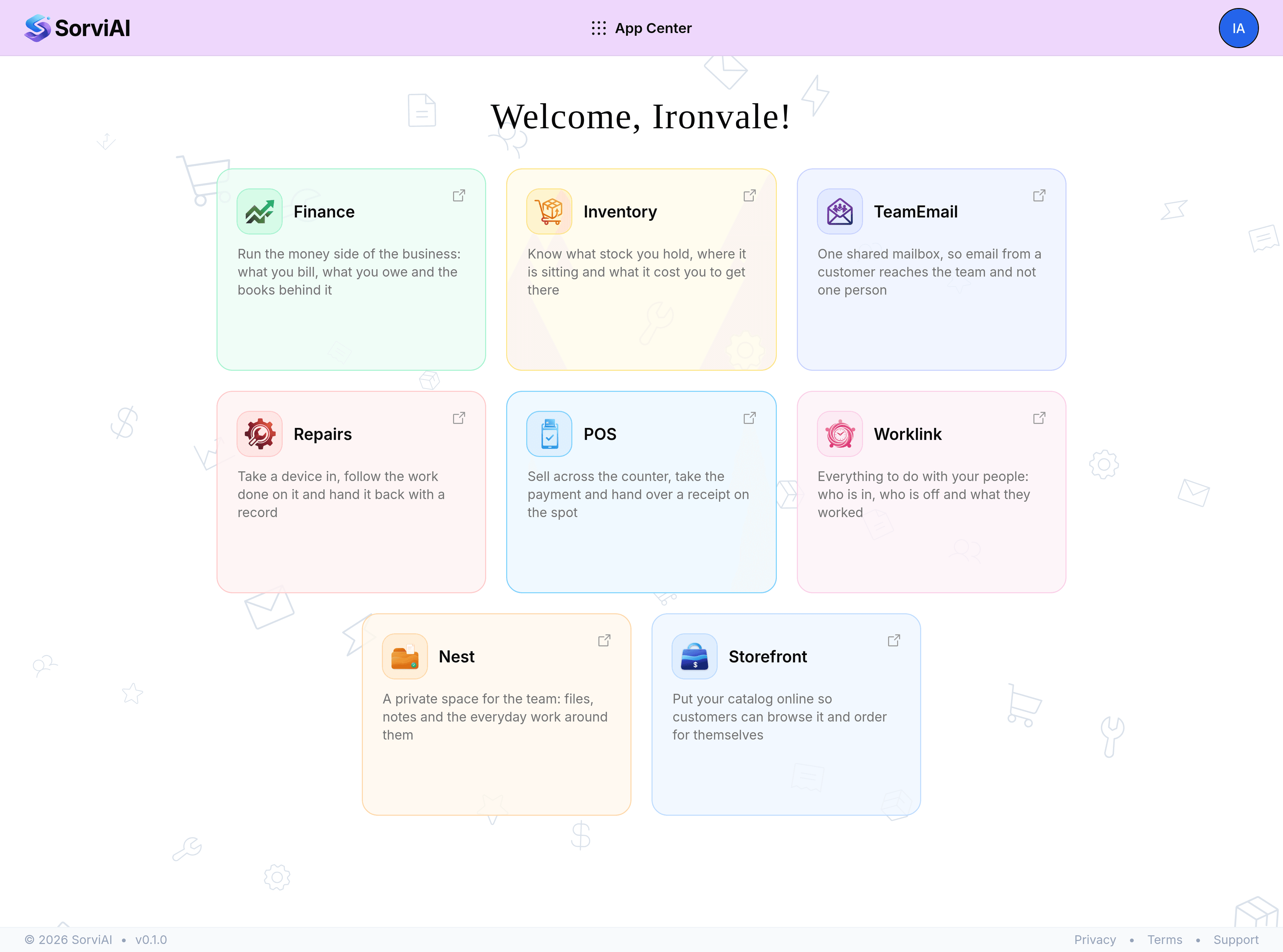
What Storefront covers
- ProductsEvery item in your catalogue, with a published or draft state, a product page and its own images.
- CollectionsGroups a shopper browses, filled either by rules you write or by products you pin yourself.
- EnquiriesOffers and questions sent from a product page, each one waiting for an answer.
- PagesContent pages such as delivery terms or an about page, written in the editor and stacked in blocks.
- ThemeThe store name, the logo, the brand colours and the hero the homepage opens on.
- NavigationThe header and footer menus, and what each entry points at.
- HomepageThe sections the front page is built from, in the order you put them.
- SettingsEnquiry notifications, custom domains, international markets and your variant axes.
Getting a product in front of a shopper
A product on the storefront is an item with a page written for it. Open a product, fill in the title and description a shopper reads, add images, then turn on Online storefront under Publishing. Until that switch is on the product is a draft, visible to you and to nobody else.
Most of the work after that is grouping. A shopper rarely wants a list of everything, so collections do the narrowing: a smart collection follows rules and keeps itself current, a manual one holds exactly what you pin to it.
Groundwork worth doing early
- A handful of collectionsStart with the way your customers already think about the range, not with your internal categories.
- Tags on your productsSmart collections read them, so a few consistent tags save a lot of rule writing later.
- An enquiry notification addressSet the address enquiries are sent to before the first one arrives, rather than after.
- Your marketsOne market per region you sell into, each with its own currency and rounding.