
Add and edit variant options
Add an option axis with the values it offers, edit one later, and delete the ones you no longer suggest.
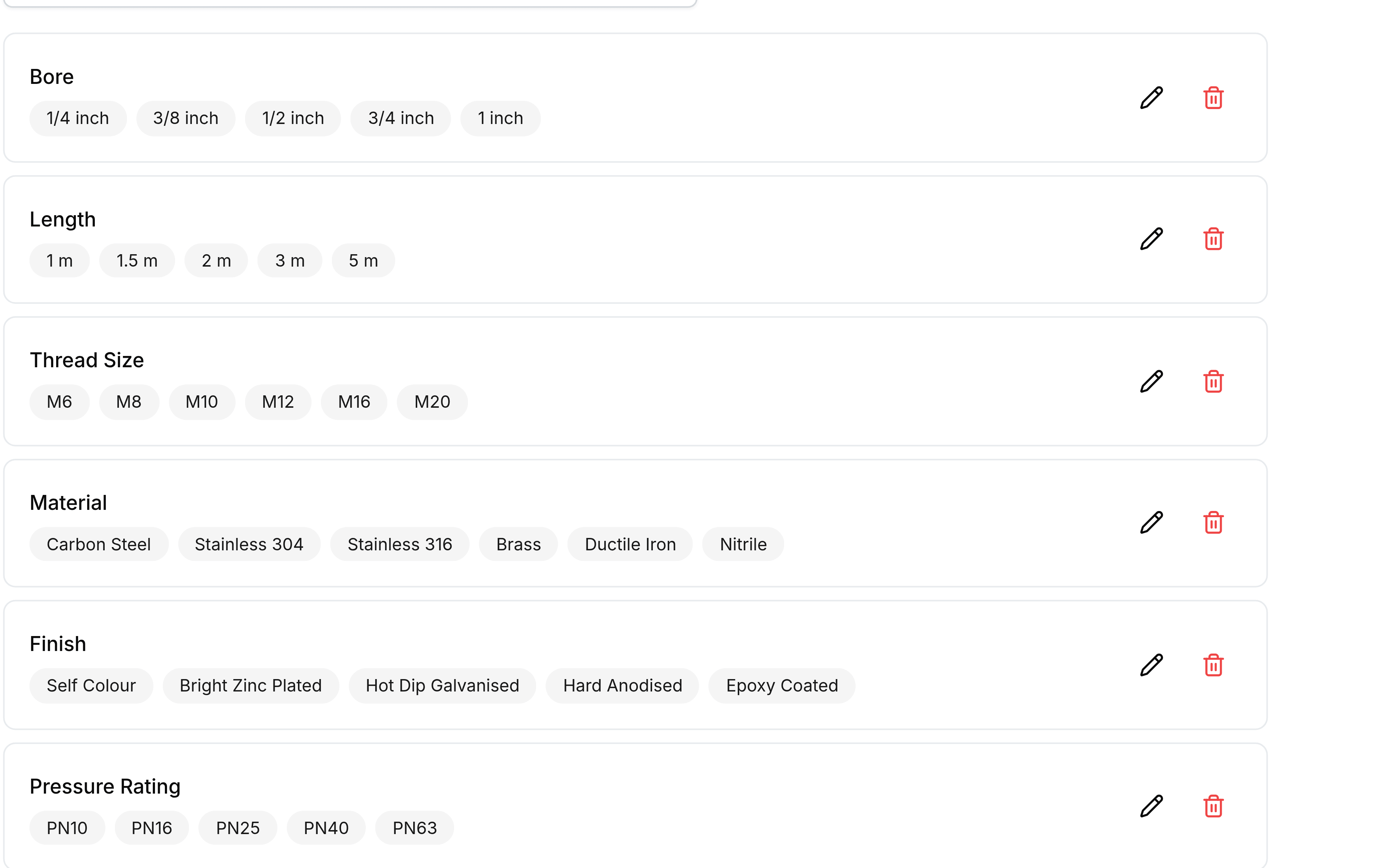
The list is edited in place: one row per axis, with its values shown as chips beside it.
Add an option
Open Storefront Settings and select Variant Options.
Select Option.
Enter the axis name, such as
Material.Add the values it offers, one at a time.
Save the option. It appears in the list with its values shown as chips.
Edit one
Each row has an edit control for changing the name or the values. Adding a value here adds a suggestion; it does not reach back and build variants on products that already exist.
Delete one
The delete control removes the option from the list. Products built with that axis are untouched: they keep their variants, their names and their values, and only the suggestion goes.
Find one in a long list
Use the search box above the list. Once a catalogue has a dozen axes, searching is faster than reading, and it is the quickest way to check whether something already exists before adding a near-duplicate.