
How Storefront works
Where a storefront product comes from, what the publish switch changes, and the path an enquiry takes from a product page to your desk.
Storefront does not keep a catalogue of its own. It is a lens over the items you already hold, with the extra fields a shopper needs laid on top: a description written for the public, images, search wording and a switch that decides whether the page exists at all.
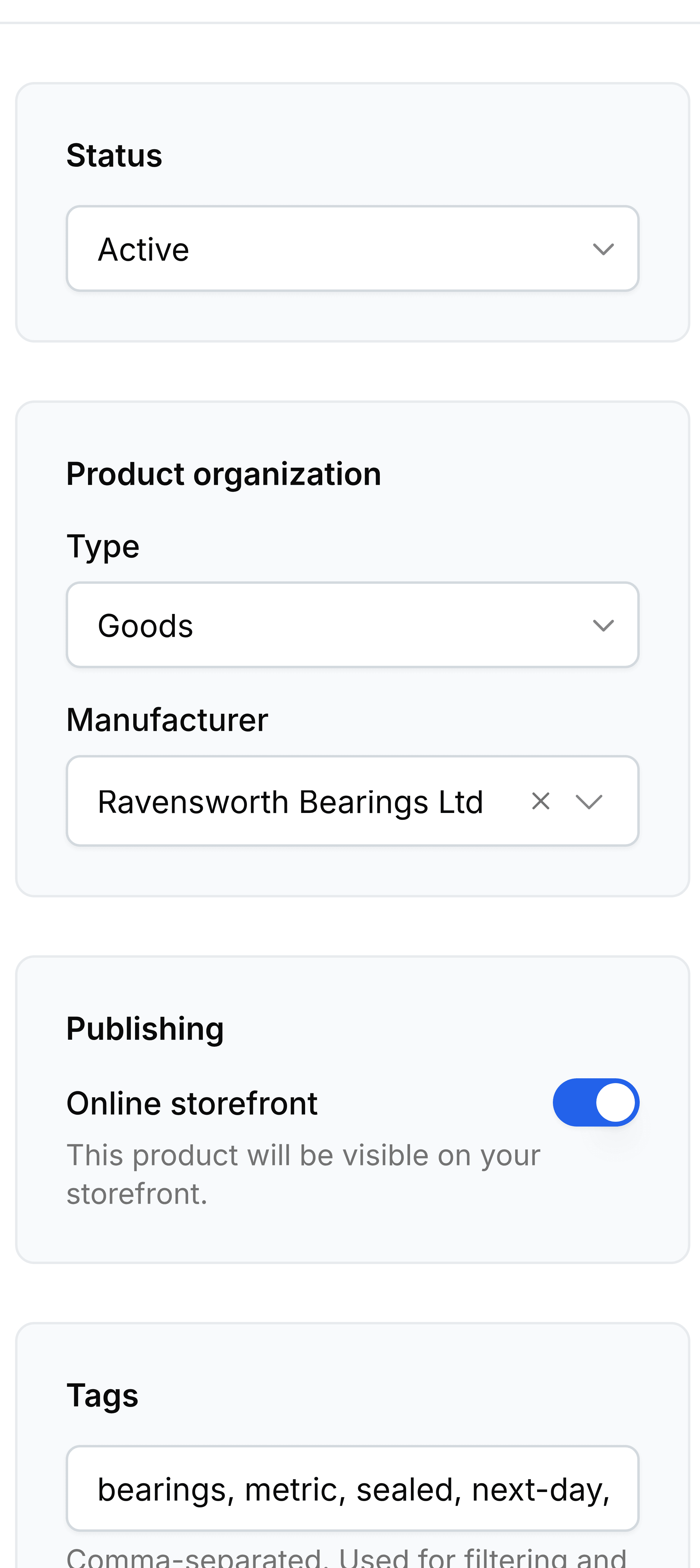
One item, two audiences
The same record serves your team and your customers, and the two see different halves of it.
- What your team already filled in
- Name, SKU, price, stock, manufacturer, tax and the rest of the commercial detail. Storefront reads it rather than asking again.
- What Storefront adds
- The public description, the images, the URL handle, the search engine listing, tags, metafields and the publish switch.
Change a price in one place and it is changed everywhere, because there is only one record. That is also why a product removed from the storefront is not deleted: turning the switch off withdraws the page, and the item carries on doing its job in the rest of the business.
Draft and published
Publishing is a single switch per product, and it is the whole of the public or not public decision.
- Draft
- The product exists and you can work on it. No page is served to a shopper and nothing about it appears on the storefront.
- Published
- The product has a page, can be found, and can appear in any collection whose rules it matches.
A service is treated the same way as a stocked item. Nothing forces you to publish either; plenty of catalogues show only the goods.
Where variants fit
A product with options is a parent with a variant underneath for each combination a shopper can pick. Every variant is a full product in its own right: its own SKU, price, stock, image and page. The parent carries the shared description and groups them.
- ProductThe shared title, description and images
- Option axesBore, Length, Colour, and their values
- VariantsOne per combination, each with a SKU and price
How a collection fills
Smart
Rules decide
- YesYou write conditions such as Tag is equal to next-day.
- YesMembership recomputes as products change, without anyone touching it.
- YesA live preview shows what matches before you save.
- NoYou cannot exclude a single awkward product by hand.
Manual
You decide
- YesYou pin exactly the products you want, in the order you want.
- YesNothing arrives or leaves unless you put it there.
- NoA new product that belongs in it stays out until somebody adds it.
The path an enquiry takes
A shopper can gather what they need on the storefront and ask you to quote for it instead of checking out, giving their name, email, phone and a message.
- A cartThe products the shopper gathered
- One enquiry per productAll sharing a reference, all Pending
- Accepted or RejectedYour decision, recorded on each row
The one-row-per-product part surprises people: a request for four items arrives as four enquiries carrying the same reference, name and message. Answering one leaves the other three waiting.
Answering an enquiry does not move stock or raise a document on its own. It records the decision and gives your sales team the detail they need to carry on. Expired is a fourth status the record can carry, but nothing in Storefront sets it: enquiries do not time out on their own.