
How TeamEmail works
The path a message takes, from arriving in a shared address to being closed out by the person who answered it.
Last reviewed
TeamEmail sits on top of real Outlook mailboxes and adds the one thing a mailbox has never had: a way of saying who is dealing with what. Learn that idea and the rest of the app follows from it.
Highlights
- A mailbox is the container, a conversation is the unit of work. You act on conversations, not on individual messages.
- Nothing is anybody's until it is assigned. An unassigned conversation in a shared address is the queue everyone assumes somebody else is working.
- My work is a view, not a folder. The mail still lives in its mailbox; My work only gathers what concerns you.
- Done is not deleted. Marking a conversation Done clears it from the working lists and leaves the mail where it was.
- Notes stay inside the team. A note sits in the conversation beside the emails, and the customer never sees it.
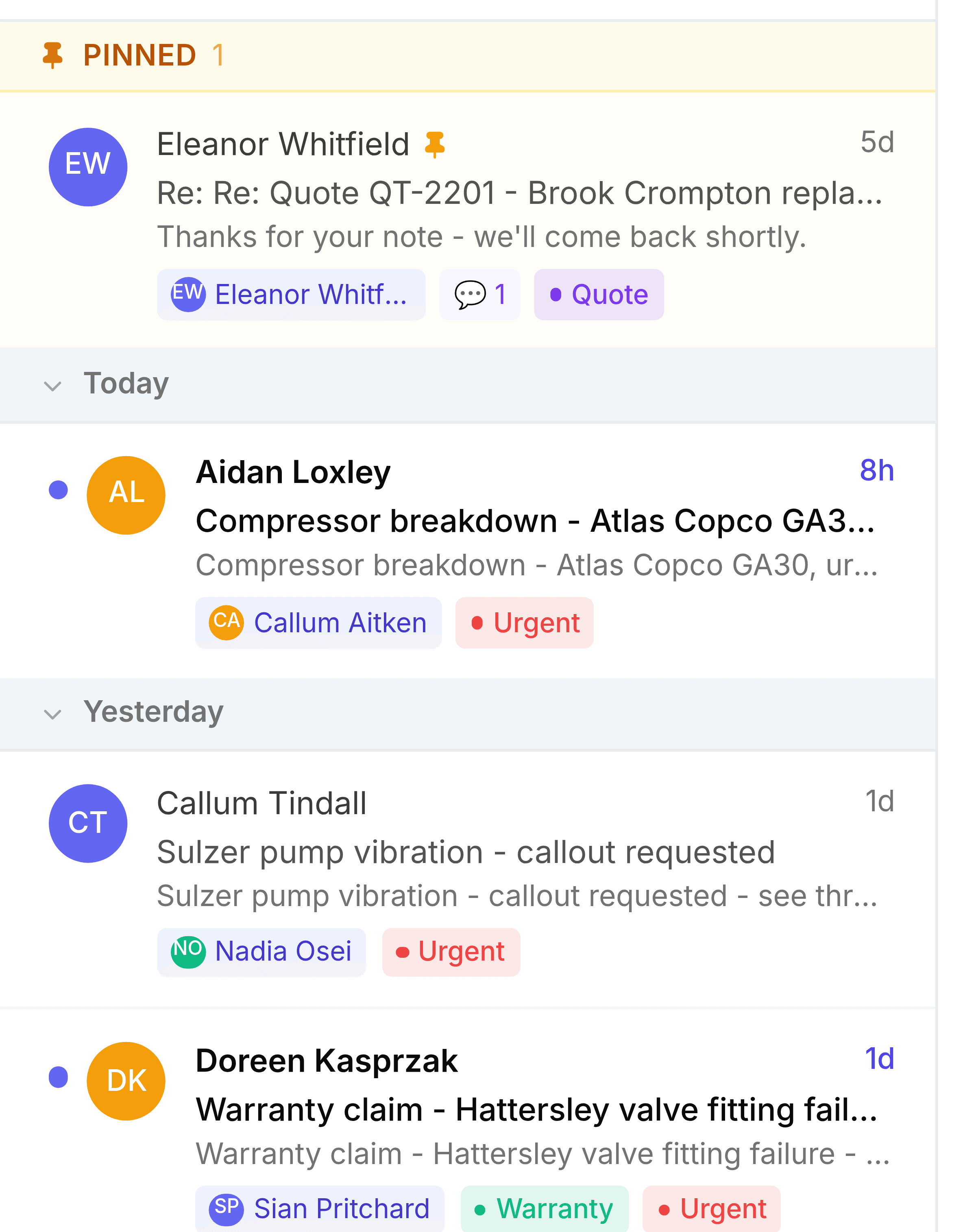
The path a message takes
- ArrivesMail lands in a shared inbox's Unassigned tab, or in your own mailbox.
- AssignedSomeone takes it, or gives it to the person who should answer.
- WorkedNotes for the team, replies from the shared address.
- WaitingParked while the customer or a supplier has the next move.
- DoneOff the working lists, kept on the Resolved tab.
A new message from the customer brings a Waiting or Done conversation straight back to Open, so nothing slips through while it's parked.
Two ways of looking at the same mail
The sidebar is split for a reason. The lower half lists mailboxes, which is where mail physically sits. The upper half lists views, which are questions asked across those mailboxes.
| What you want | Where to look | Why |
|---|---|---|
| Everything waiting on me | My work | Gathers what is assigned to you or that you follow, across every mailbox |
| Anything you haven't read | Unread | Spans every mailbox you can see, assigned or not, leaving out archived and junk mail |
| What this address has received | a mailbox's Inbox | The real folder, in arrival order |
| What we have said | a mailbox's Sent Items | One record per address, whoever on the team sent it |