
What settings covers
The nine screens behind TeamEmail, from connecting a mailbox to how long a send waits, and which of them are yours and which are the team's.
Last reviewed
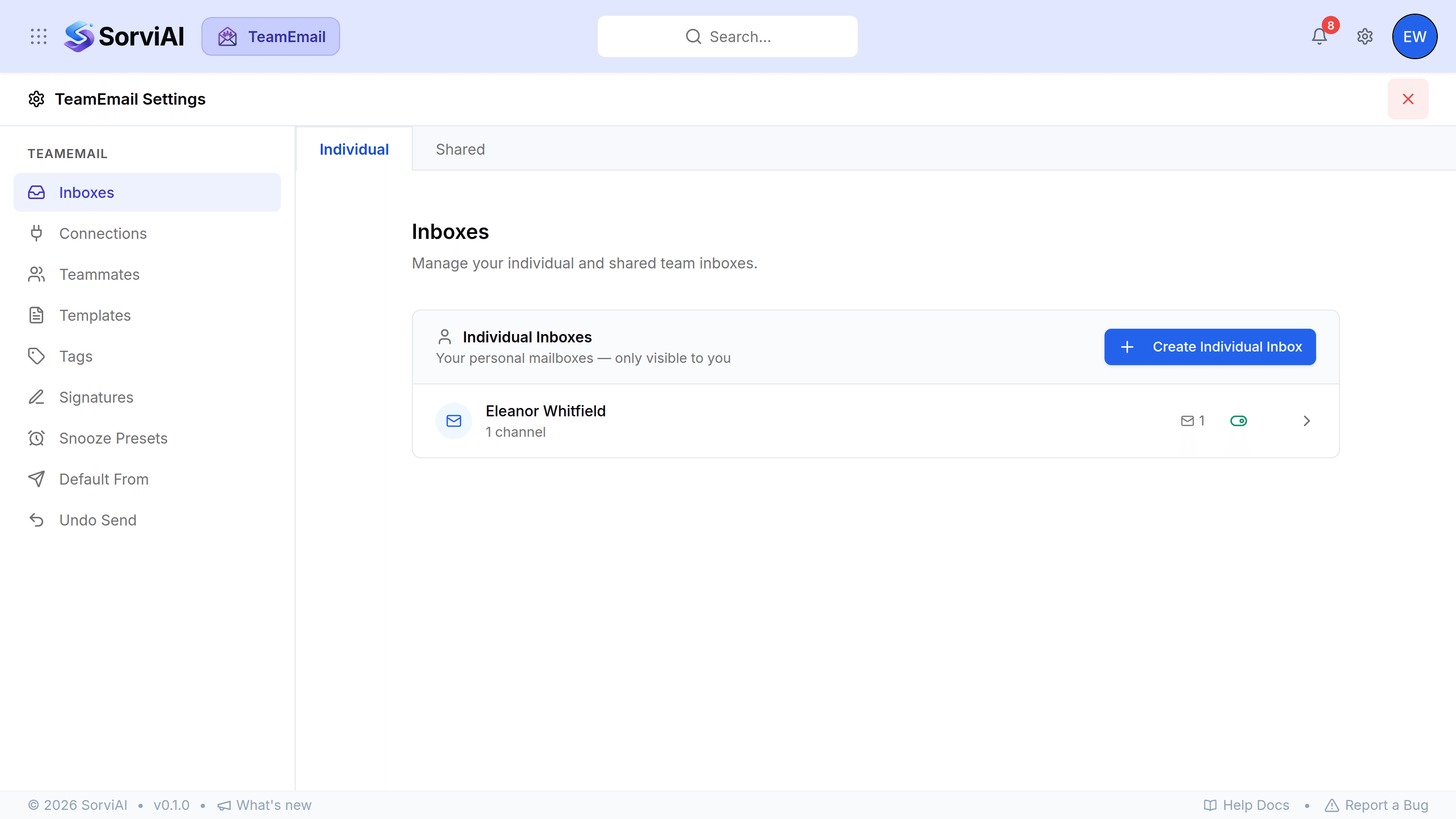
TeamEmail Settings is one panel holding nine screens. Open it with the gear at the top right of TeamEmail, and close it with the red cross to go back to where you were. Some screens change things only for you, some change them for the whole team, and it's worth knowing which before you change anything.

Getting mail in
- ConnectionsSign in to Microsoft and attach an Outlook mailbox.
- InboxesGroup mailboxes into inboxes, and decide who belongs to a shared one.
- TeammatesInvite people and set who administers TeamEmail.
What you send with
- TemplatesSaved replies for the things you write every day.
- SignaturesThe block that goes under your name, per mailbox.
- Default FromWhich address a new email starts from.
- Undo SendHow long you have to pull an email back.
How conversations are organised
Yours, or the team's
- Just you
- Snooze Presets, Default From, Undo Send, and anything on a Private tab. Change these freely.
- The whole team
- Shared inboxes, Teammates, and anything on a Shared tab of Templates, Tags or Signatures. Only TeamEmail administrators can change these, and administrators are the only people who see those tabs and the Teammates screen. A shared inbox can only be changed by an administrator who is also an Admin of that inbox.