
Skip to the article

What Scheduled is

Where an email you've asked to send later waits until its moment comes.

Scheduled sits below My work in the sidebar and holds exactly one thing: Send Later, every email you've asked TeamEmail to send at a time you chose rather than the moment you finish writing it.

A tour of Scheduled and Send Later
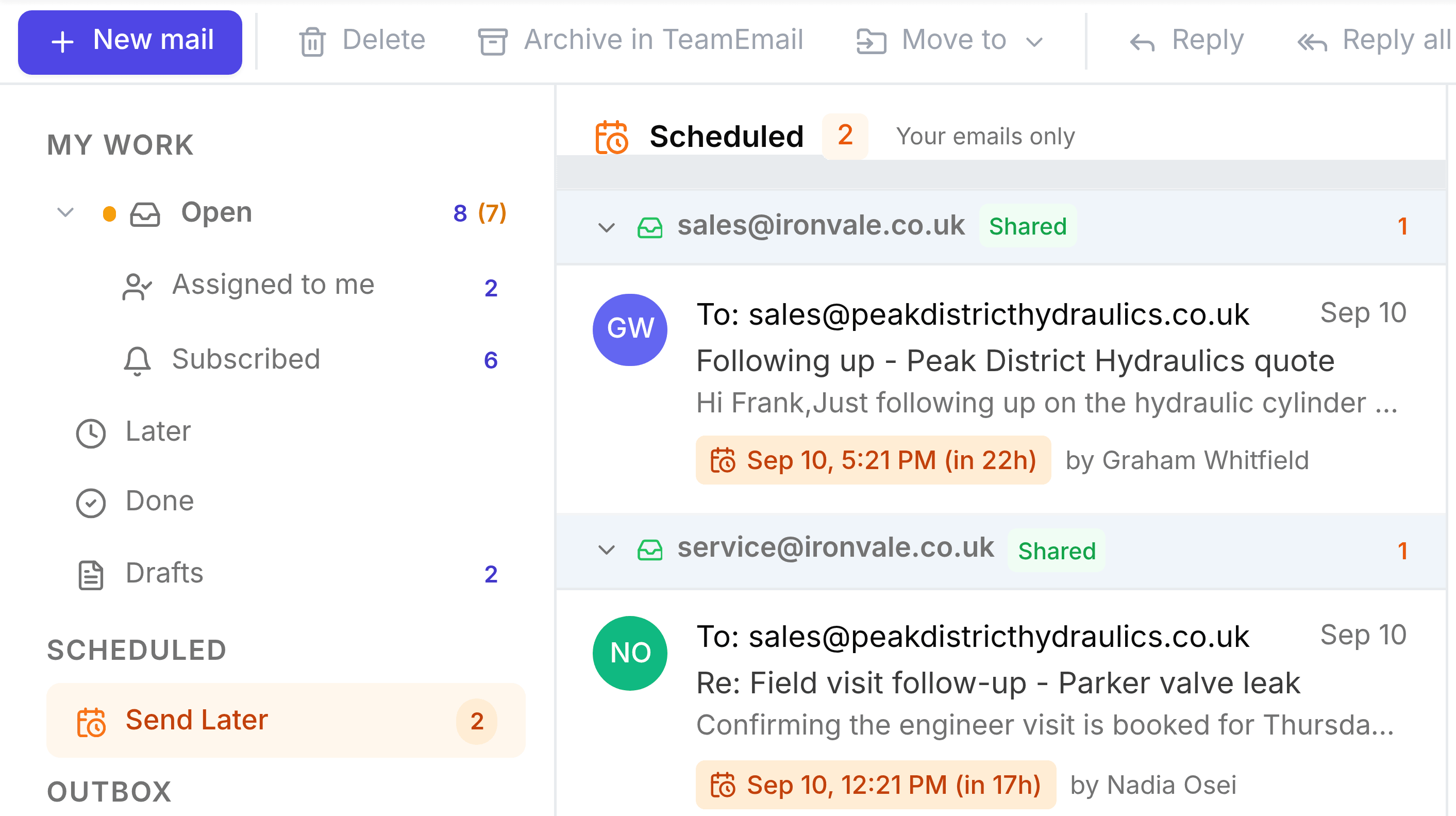
TeamEmail's Scheduled list, headed Scheduled 2, Your emails only, grouped by the shared mailbox each email will go out from. Under sales@ironvale.co.uk, marked Shared, a follow-up to Peak District Hydraulics from Graham Whitfield is due Sep 10 at 5:21pm, in 22 hours. Under service@ironvale.co.uk, marked Shared, a field-visit confirmation from Nadia Osei is due Sep 10 at 12:21pm, in 17 hours. Each row carries an orange chip with the exact send time and a countdown.
Two emails waiting to go out, each showing who scheduled it, which mailbox it's leaving from, and exactly when.

An email lands here the moment you choose a send time instead of sending straight away, from the arrow beside Send in the composer. See Send Later for finding, editing or cancelling one.

Was this document helpful?