
Smart Bar
The panel beside a conversation that shows the customer's record from other apps.
The Smart Bar is the panel that runs down the right of a conversation, showing the customer or vendor it belongs to, pulled from the records you already keep in Finance, without leaving TeamEmail to look them up.
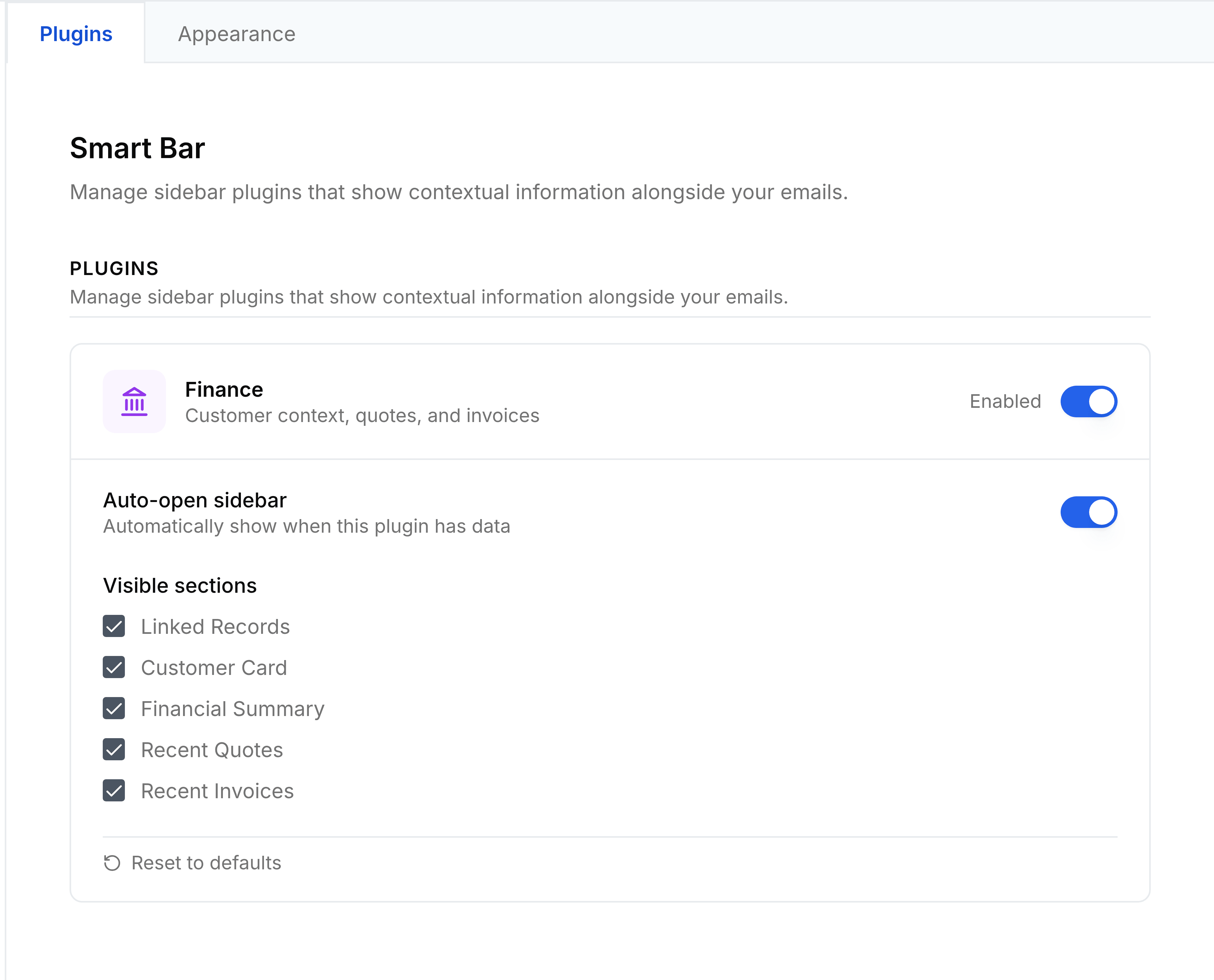
- Customer card
- Who the conversation is with: their contact details and account.
- Financial summary
- Their outstanding balance and recent activity.
- Recent quotes
- Quotes raised for this customer.
- Recent invoices
- Invoices raised for this customer.
Turn each section on or off, and choose the panel's width, from Settings > Smart Bar, Appearance tab.