

The Meridian
The SorviAI newsletter
Edition 02
Into the busiest weeks
Collecting what you are owed, closing the year cleanly, stock ready for the peak, and what changed in SorviAI during November.
Before the rush
What to settle while November lasts
For a lot of businesses the final weeks of the year are the hardest and the least forgiving. Orders climb, customers pay at the pace of their own year end, and stock that sat quietly in September can sell out in a fortnight.
What keeps that stretch calm happens before it starts: invoices chased while they are fresh, shelves counted before the orders arrive, and books tidy enough to close without a scramble in January.
This edition covers both in turn, money and then stock. After them come November’s changes to SorviAI, and a week at an example repair and parts shop to show how the apps fit together.
As in every edition, what we describe is in your workspace today. Workflow Automation is still in beta, so its screens may change between releases.

Get paid, then close the year
What should be settled before the books close?
A sale becomes cash only when the customer pays, and near the year end customers often slow their payments to protect their own balances. A steady routine for collecting, followed by a short list for closing, keeps both problems small.
Collect first
Settle the terms before the job begins and state them on every invoice. Each week, list what is due or late, the amount and who will call. Start with the largest and the oldest.
Then close
Match the bank to your records month by month. Issue or delete drafts that should not stay open, enter every bill you have received, and note what is still owed on the last day.
In SorviAI
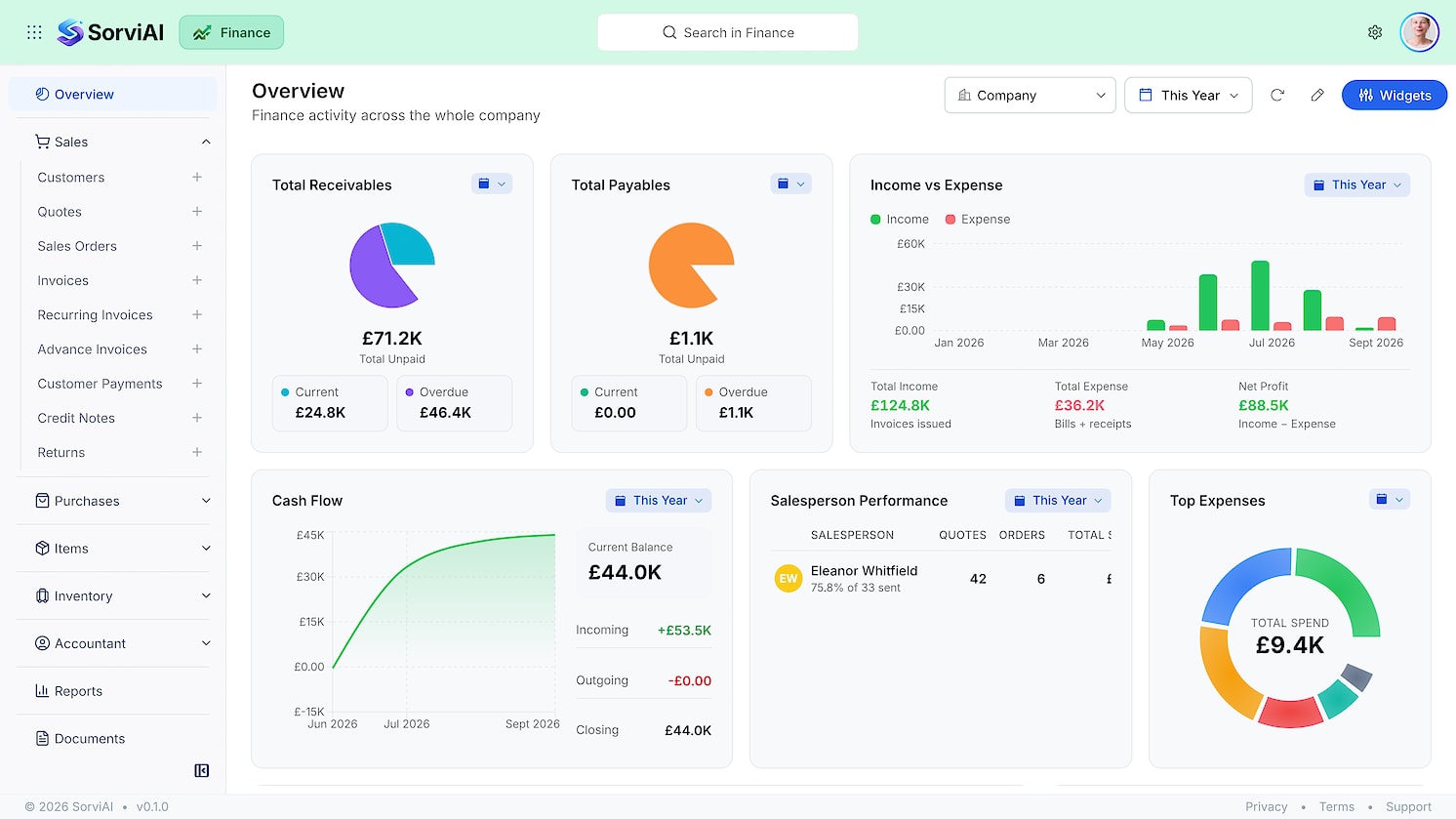
An invoice the customer opens from its email link or the customer portal is marked Viewed, with the time it was first opened. Issued invoices not yet due sit under Unpaid, counting down to the due date. In Accounts Chart, every account shows its opening balance, money in, money out and closing balance for the dates you pick.
Signs collection is slipping
- The same customers are late every month.
- Invoices go out days after the work is done.
- Nobody owns the weekly chase.

Stock before the peak
Will your shelves see you through to the new year?
The peak rewards whoever planned for it. A line that runs out in the second week of December loses sales it cannot win back, and a line bought too deep sits on the shelf into spring, holding cash you could have used.
Count early
Count your fastest lines now, a few shelves at a time, rather than everything on a single day. A record you trust is the base for every order you place next.
Set reorder points
For each line, estimate how many you sell while a new order is on its way, then add a margin for the extra demand. When stock falls to that number, reorder.
In SorviAI
Stock Summary groups by category, brand, manufacturer, lead time or condition. Inventory Valuation Summary filters to items below their reorder level, and Committed Stock Details shows what is already promised, by sales order, customer or item.
Signs you are short
- Orders often wait on a single line.
- Your count and your records disagree on the same items.
- Suppliers quote longer lead times than last month.
New in SorviAI
What changed in the apps this month?
November brought changes to every app, most of them to the screens you open daily. These are the ones you are most likely to meet.
- Saved dashboard views. Each Overview in Finance, Inventory and Repairs keeps as many views as you need. Share a view with chosen people, chosen roles or everyone, and set your own default.
- Dates, your company’s way. Every date and time follows the company’s format, time zone and clock: on screen, on PDFs and in CSV, PDF and Excel exports.
- Quick Create. A button beside the bell opens a grid of every document the current app can make, limited to what your role allows.
- Workflow Automation, in beta. In Finance and Inventory a rule watches a kind of record, such as an invoice or an item, and sends an email alert or an in-app notification when it changes or on a schedule. Workflow Logs records every run.
- A chart of accounts shaped to your books. Rename the default accounts, give them your own codes and nest sub-accounts up to three levels deep. A parent’s total includes its sub-accounts.
- Leave, worked out in plain sight. In Worklink, Apply Leave lists each day a request would cost, with the balance before and after, and charges only the days the employee’s shift works.
- Each person’s own calendar. The attendance calendar takes each person’s working days from their shift, then their location, then the company policy.
A week at a repair and parts shop
How might a workshop run on SorviAI?
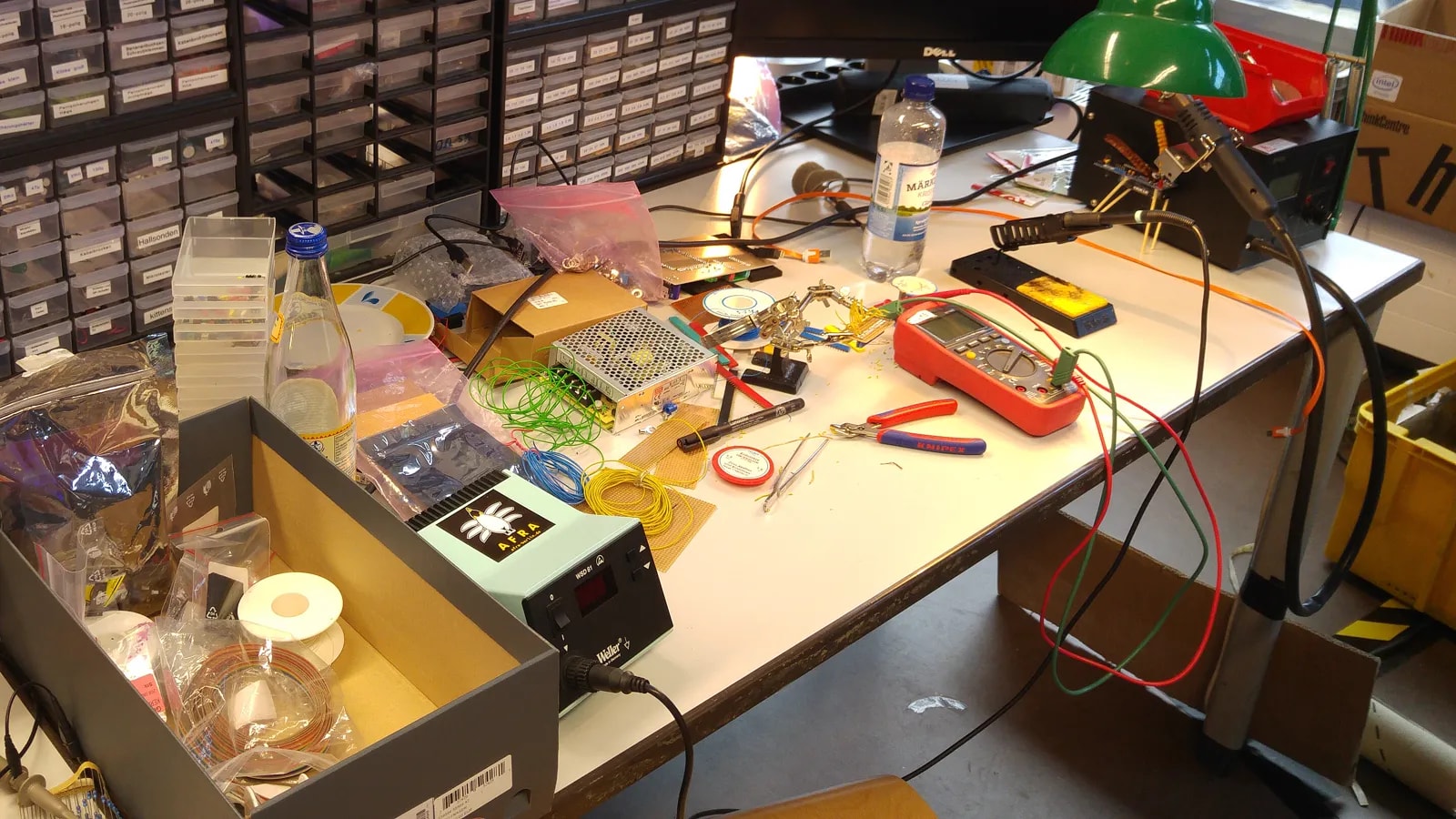
Picture a small shop that mends phones and laptops and sells the parts to go with them. The shop is invented for this page; every step shown is in SorviAI today.
Monday
A phone arrives with a cracked screen. The counter opens a ticket with the customer, the device, its IMEI and the fault, and marks it a rush job.
Tuesday
The technician adds a screen from the item list, reserving it for the ticket. A purchase order raised from the ticket fills in from its parts.
Wednesday
The assigned technician is notified in the app, photos go onto the ticket by QR code, and a work report records the phone’s condition.
Thursday
Closing the ticket takes the screen off stock. The ticket shows the deposit taken and the balance due, and is turned into the customer’s invoice.
Watch the month’s changes on What’s New or in the Weekly Tales playlist.
The Meridian, the SorviAI newsletter
Every edition at sorviai.com/newsletters/archives