









Every file in one place, and retrievable.
Nest keeps the company's files in its own storage instead of across a dozen personal drives. Deleting one starts a clock rather than ending it, and a link out of the company carries a password and an expiry if you set them.

What Nest covers
Folders that are yours, shared with you or your team's, with recent files, favourites and labels over the top. Links, a trash with a clock on it and a history per file sit underneath.
Nestby SorviAI
$29Save 17%/ month, billed annually
All seven applications come to $79 a month on SorviAI Orbit.
30-day trial. No card needed. Export your data at any time.
- Any single SorviAI app, named at checkout
- Your own workspace on its own subdomain
- Included seats, flat per organisation
- Roles and permissions for every seat
- Two-factor authentication and an audit trail
Finding it again
Recent files, favourites and labels
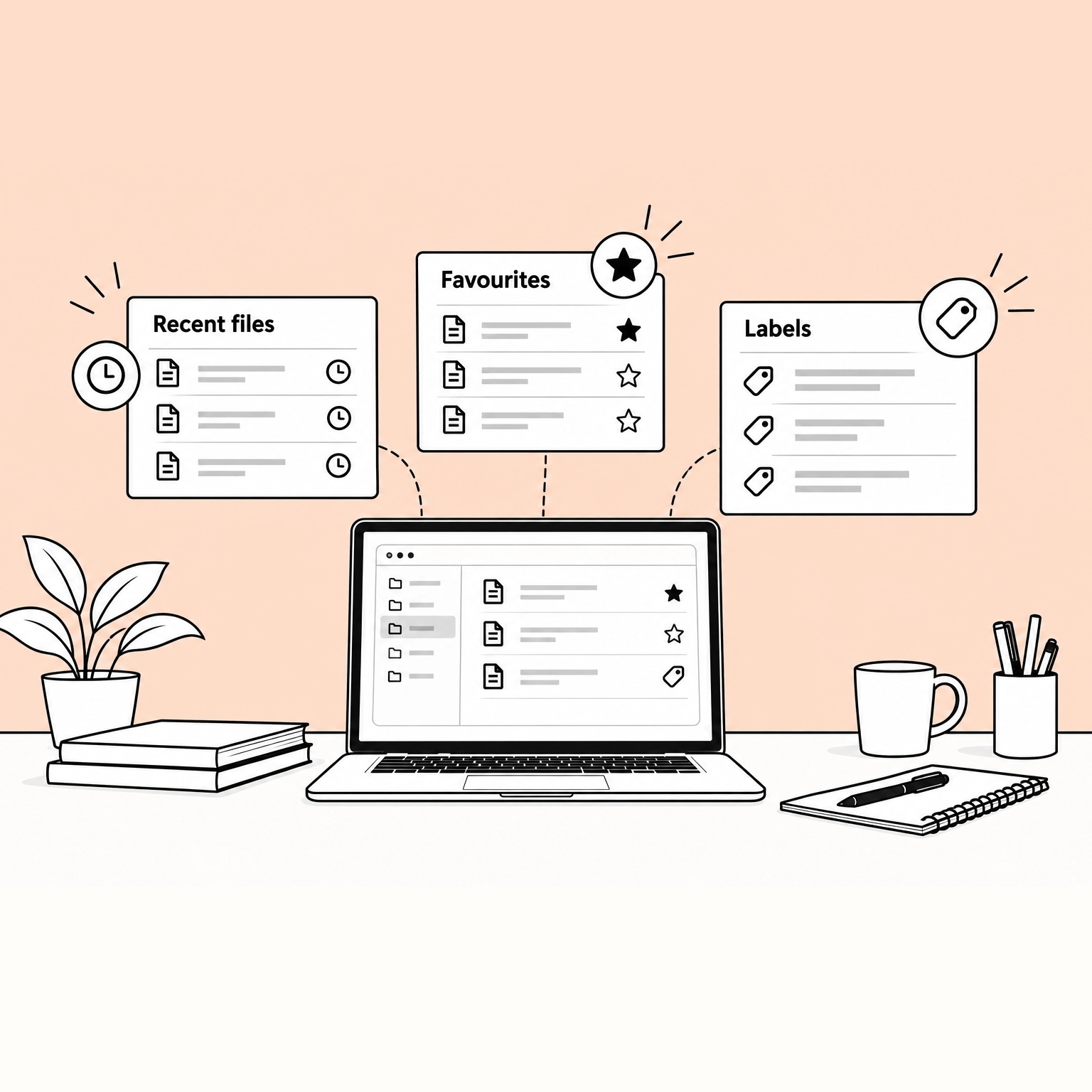
Three ways back to a file that do not require remembering which folder it went in. What you opened is listed for you, what you star stays to hand, and a label crosses folders so one tag gathers work that lives in several.
- Recent is kept for you
- Opening a file records that you did, so the way back to yesterday's work is a list rather than a search.
- A favourite is yours alone
- Starring a file marks it for you without moving it or changing what anybody else sees.
- A label crosses folders
- One label can gather files held in different folders, so a job or a customer can be collected without being relocated.
Where the team works
Team folders
A team folder belongs to the team rather than to whoever made it, with members and a role each. People join and leave without the files moving, and what the folder holds outlives the person who set it up.
- The folder outlives the person
- Membership is a list on the folder, so somebody leaving takes their access with them and nothing else.
- A role per member
- What each member may do is set on the folder itself, and a new member starts at the role the folder defaults to.
- Created under a rule you set
- Whether anyone may create a team folder is a setting, not an assumption, and so is whether files may be shared outside.
Yours and theirs
Shared folders and personal folders
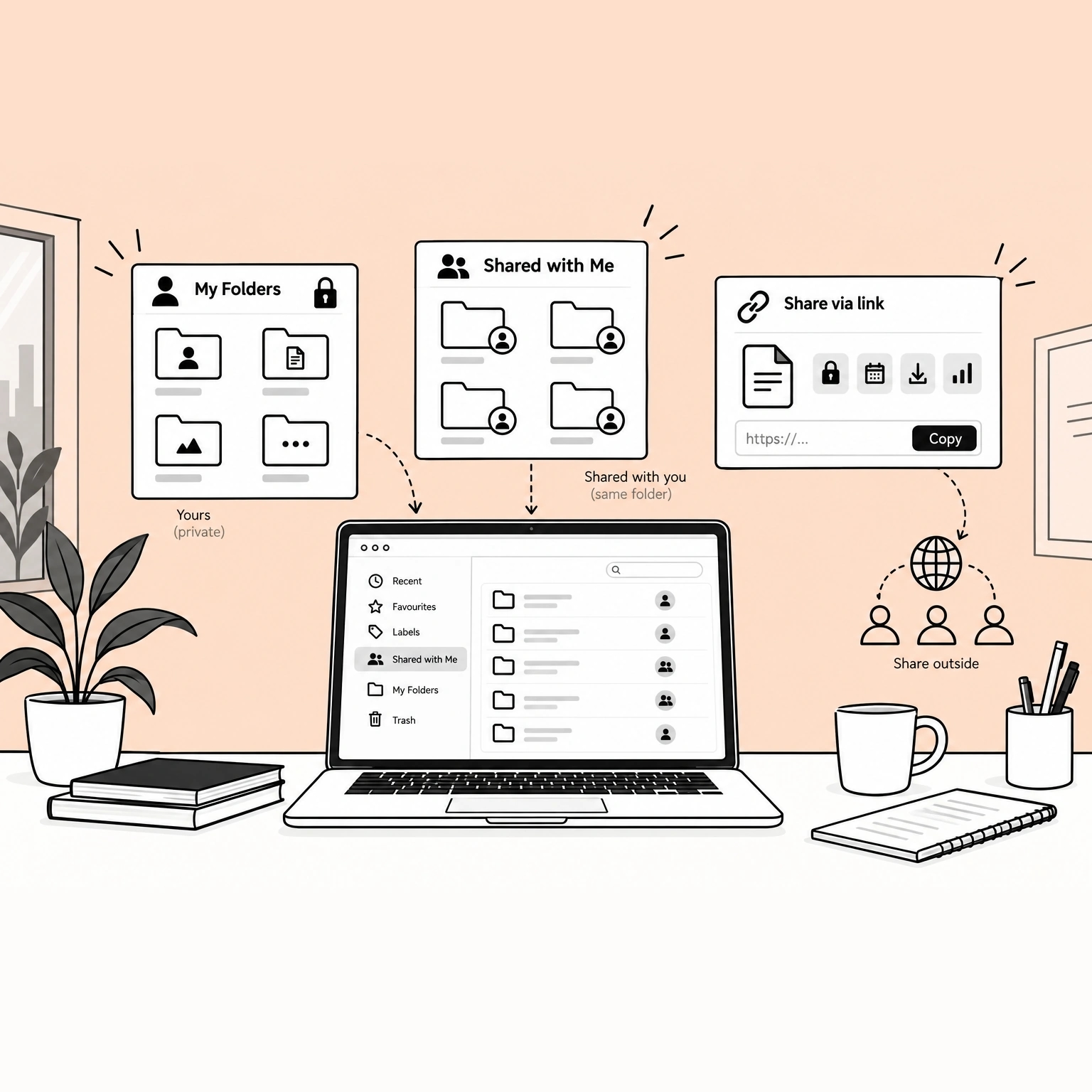
My Folders are yours to work in, and Shared with Me is what other people have given you access to. A file can also leave the company on a link, with a password, an expiry and downloads switched on or off.
- Personal until you share it
- Your own folders are not a private corner of a shared drive - nobody is browsing them until you give access.
- Shared with you, not copied to you
- A folder someone shares appears in your list as the same folder, so there is one file rather than a copy each.
- A link for people outside
- A public link can carry a password and an expiry date, allow or refuse downloading, and record each time it is opened.
After the fact
Trash and file history
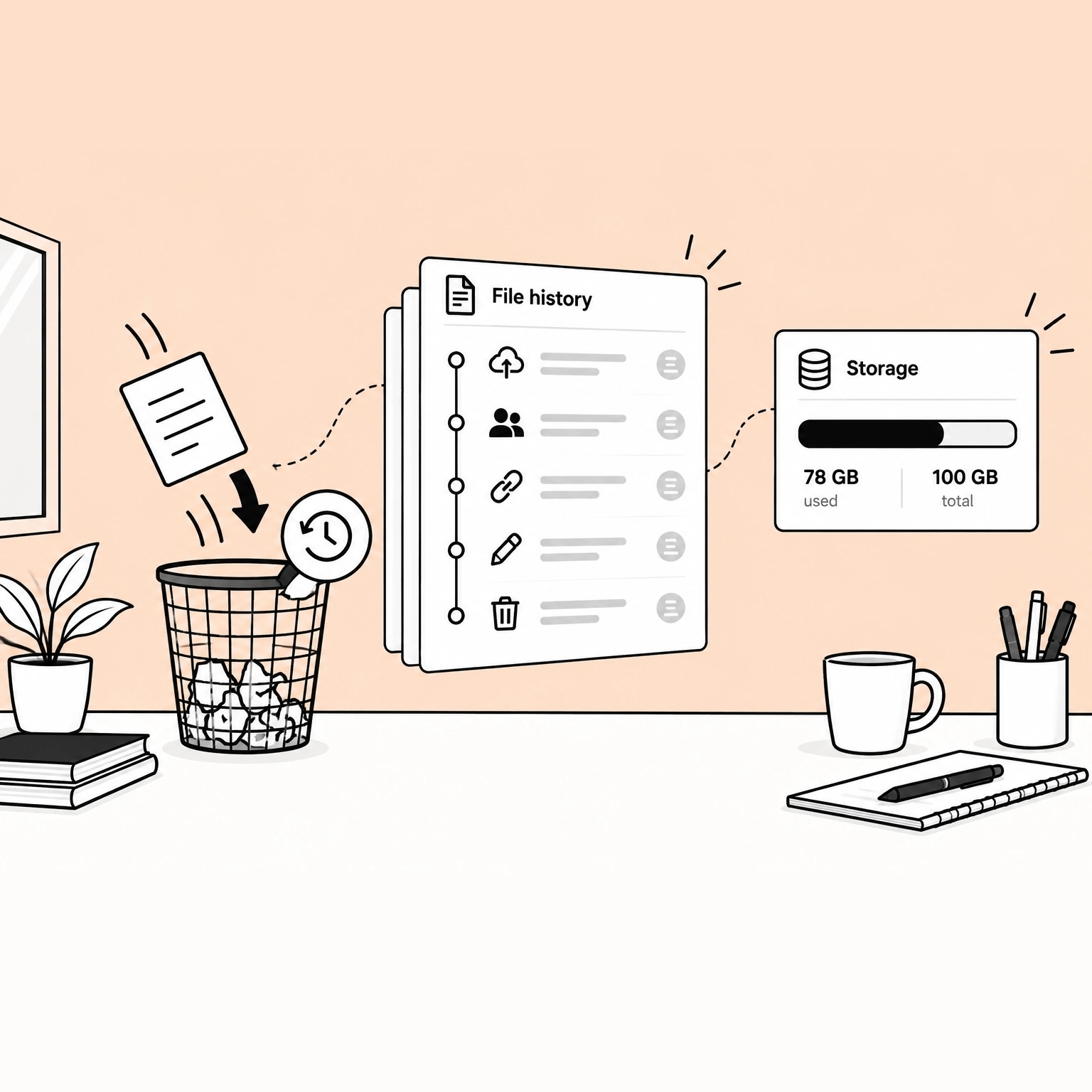
Deleting moves a file to the trash and starts a clock rather than ending it, so the answer to an accident is retrieval. Every file also keeps a record of what was done to it and by whom.
- Deleted is recoverable, for a while
- A deleted file sits in the trash for the number of days the company sets, and comes back to where it was.
- Each file keeps its own history
- Uploads, shares, links and deletions are recorded against the file, so the question of what happened has an answer on the record.
- Space is a figure, not a surprise
- What is used against what is allowed is held per workspace, so running out is something you can see coming.
FAQ
Questions about Nest
Give your team one place to keep every file
Not a migration, and not a trial that has to be remembered and cancelled.
30-day trial. No card needed. Export your data at any time.