Seven Applications on a Shared Record
Stock, service work, orders and invoices are held on a single record. Set out below is what each application covers, in the object names the product itself uses.
30-day trial. No card needed. Export your data at any time.
 Finance
A ledger assembled from the trading record
Quotes, sales orders, invoices and credit notes on one side; bills, purchase orders, vendor credits and expenses on the other. Customer and vendor payments are matched to their documents, and the chart of accounts and journal entries sit behind every posting. Tax is recorded as you trade, with summaries for your return, and a customer portal shows clients their own invoices and statements.
Explore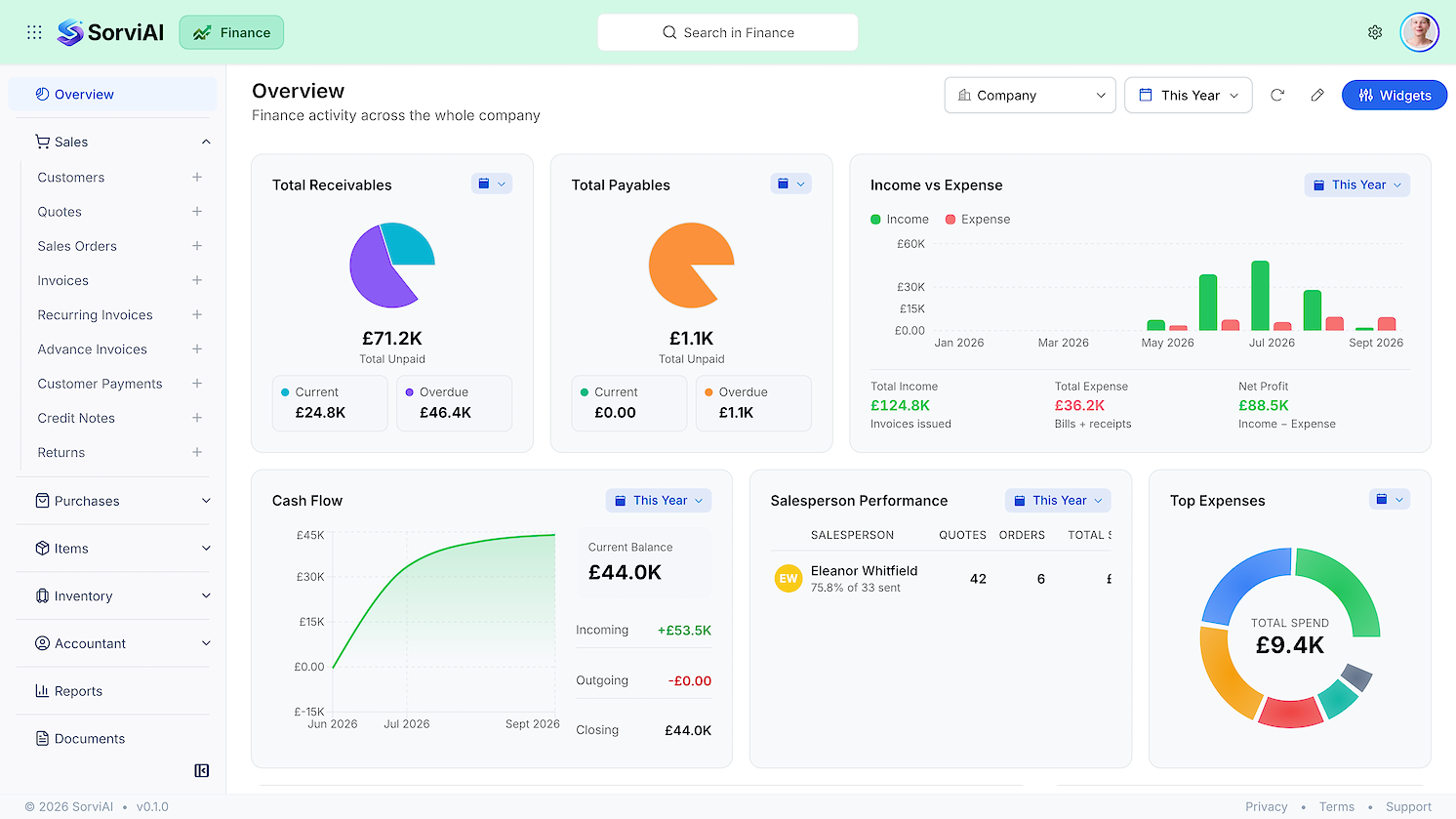
Sales
Customers, quotations, sales orders, invoices, recurring and advance invoices, customer payments, credit notes and returns.
Purchases
Vendors, purchase orders, purchase receives, bills, recurring bills, vendor payments, vendor credits and expenses.
Items
Items and rate lists, held once and read by both Finance and Inventory rather than maintained twice.
Accountant
Journal entries, exchange adjustments, the chart of accounts and budgets.
 Inventory
Stock Levels, Cost and Movement
Items carry variants, each a first-class record with its own SKU. Cost runs FIFO with real cost layers, or weighted average, chosen per item, and stock adjustments keep a full audit trail. Price lists are applied per customer, sales returns, packages and shipments carry DHL and UPS tracking, and a vendor portal serves the people who supply you.
Explore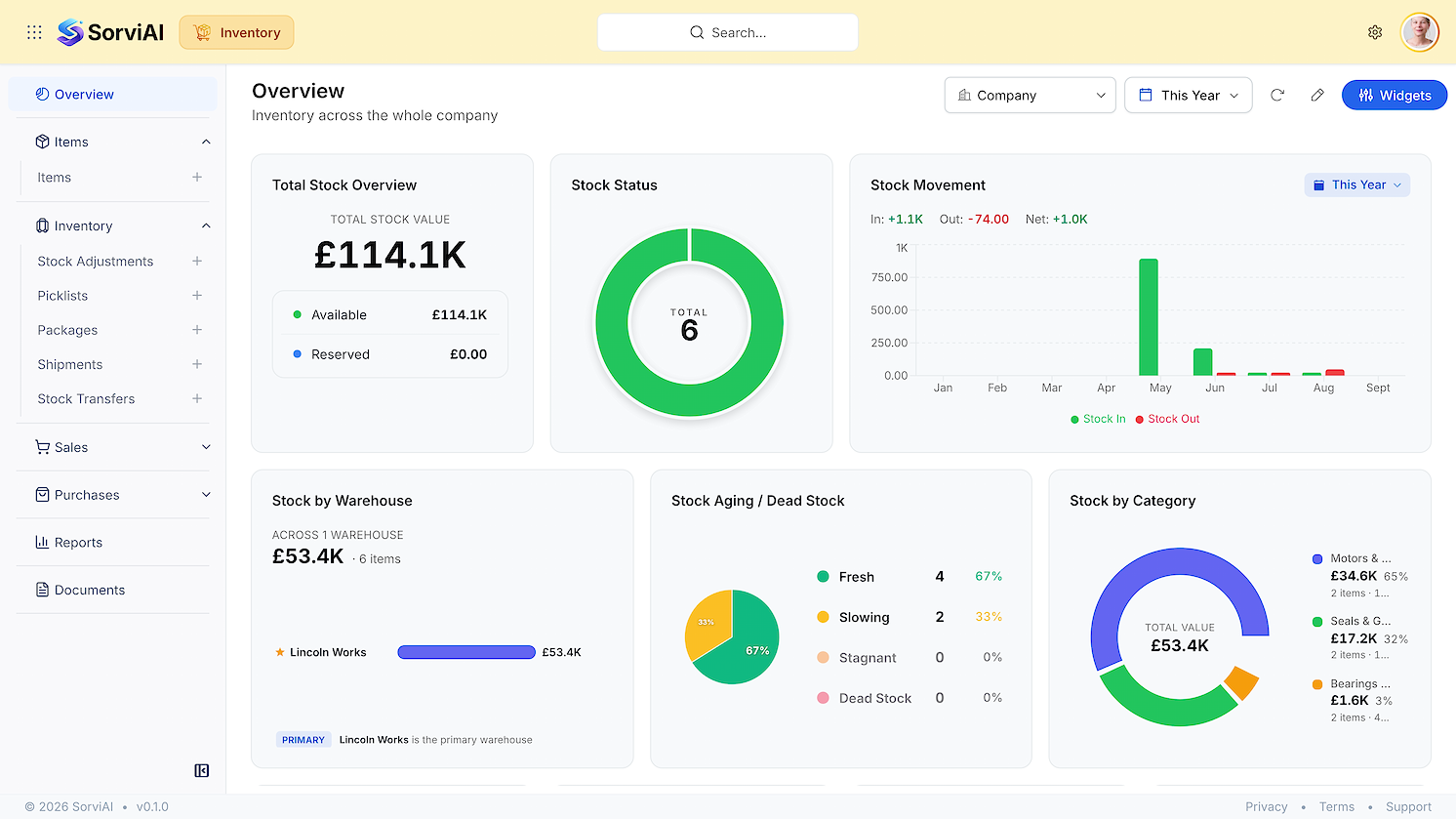
Items and variants
Items with variants, each a first-class record with its own SKU
Valuation
FIFO with real cost layers, or weighted average, chosen per item
Movements
Stock adjustments with a full audit trail
Fulfilment
Sales returns, packages and shipments with DHL and UPS tracking
 Repairs
Every Repair Job on Its Ticket
Service tickets run from intake to completion, with device and issue tracking per ticket. Parts issued to jobs come off stock at real cost, and a finished ticket becomes an invoice without retyping.
Explore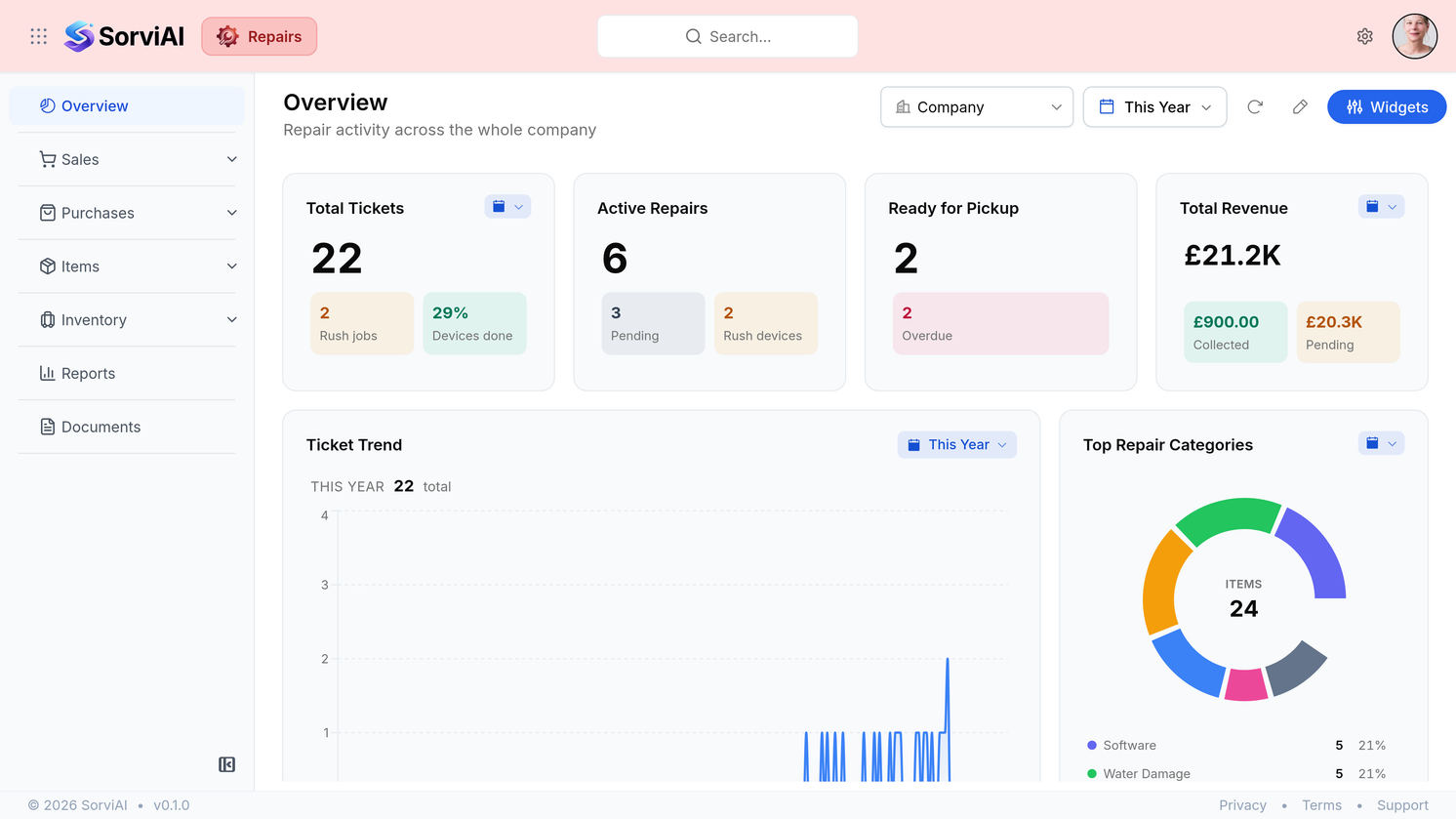
Intake to completion
Service tickets from intake to completion
Device and fault
Device and issue tracking per ticket
Parts at cost
Parts issued to jobs come off stock at real cost
Ticket to invoice
Ticket-to-invoice without retyping
 TeamEmail
A Shared Mailbox for Your Team
A shared inbox the whole team works from, with an owner, a state and internal notes on every conversation. A thread raises a quote or a customer, and that record keeps the thread it came from. Templates, signatures, snooze and scheduled send are there as well.
Explore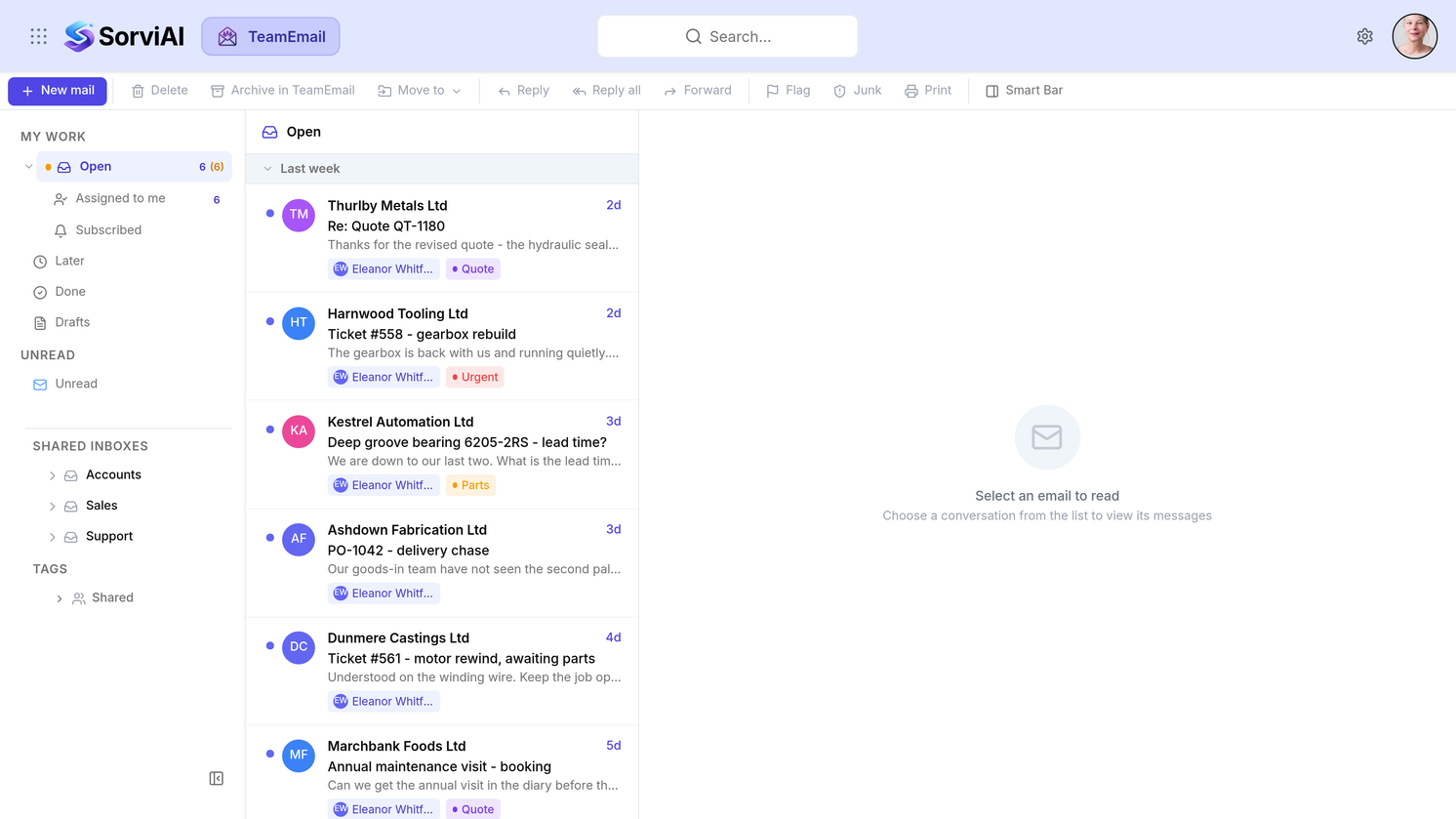
A shared inbox
A shared inbox the whole team works from
Owner and state
An owner, a state and internal notes on every conversation
A thread raises a quote
A thread raises a quote or a customer, and that record keeps the thread it came from
Sending, handled
Templates, signatures, snooze and scheduled send
 Worklink
The Employee Record, End to End
Employee records and teams, with shift planning across them. Leave requests carry their balances, and timesheets and attendance tracking sit on the same record.
Explore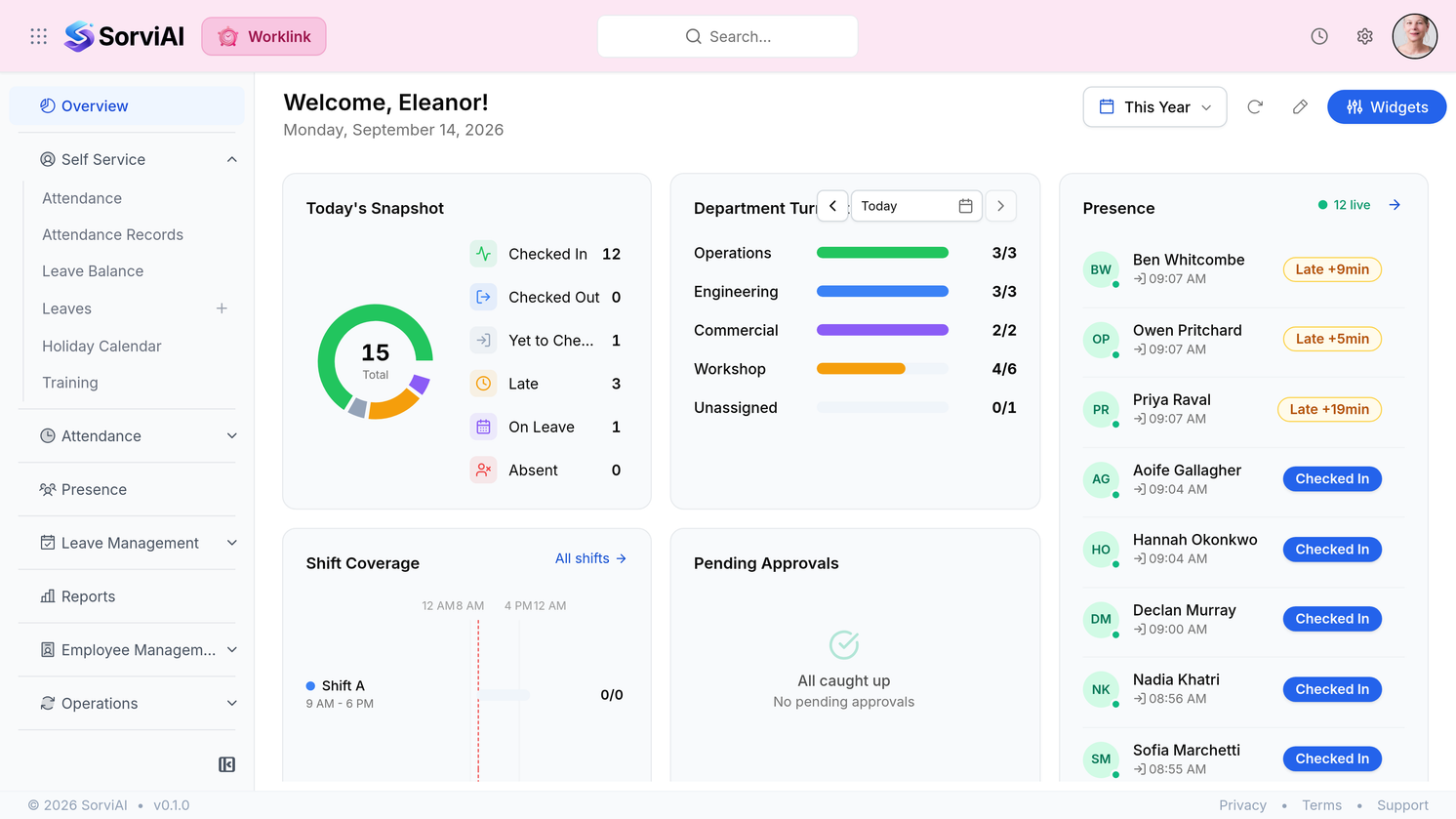
People and teams
Employee records and teams
Shift planning
Shift planning
Leave and balances
Leave requests and balances
Timesheets
Timesheets and attendance tracking
 Storefront
Your Stock, on a Public Website
Items are published straight from Inventory, so there is no second catalogue to keep. Collections are curated by hand, or smart ones fill themselves from rules. Product images, spec tables, and search that filters on those same specs, with an A to Z manufacturer directory built from what you actually stock. Enquiries arrive in their own inbox and become draft quotes in Finance.
Explore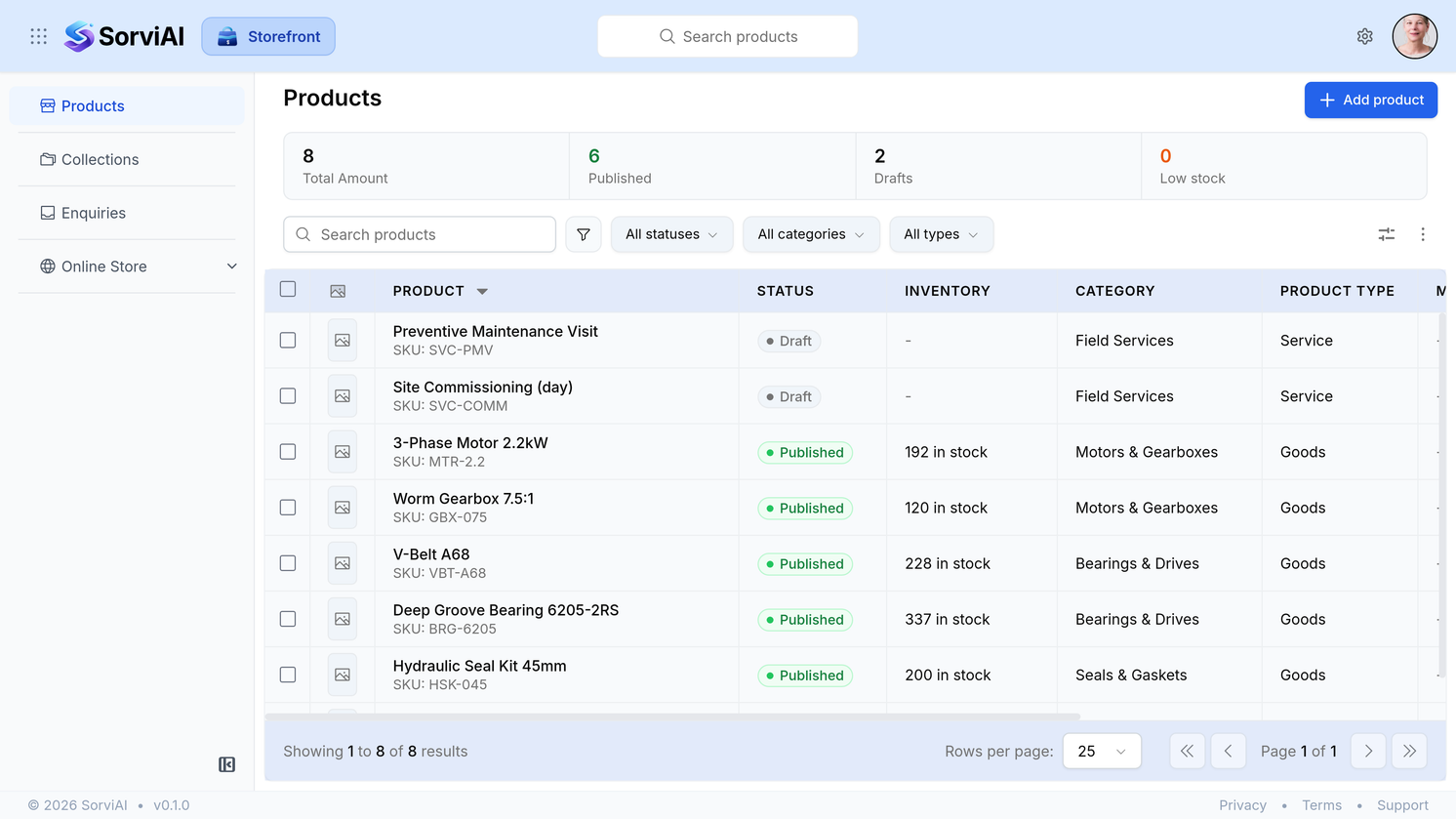
A shared catalogue
Items published straight from Inventory, so there is no second catalogue to keep
Curated and rule-based collections
Collections you curate by hand, or smart ones that fill themselves from rules
Enquiry to quote
Enquiries arrive in their own inbox and become draft quotes in Finance
Your own domain
Your own domain, with the security certificate handled for you
 Nest
NestSecure Personal and Team Files
Shared team files and documents in a shared place instead of scattered drives. Viewer, editor, organizer or admin on a folder that belongs to the workspace, and public links that carry an expiry and stop working on their own.
Explore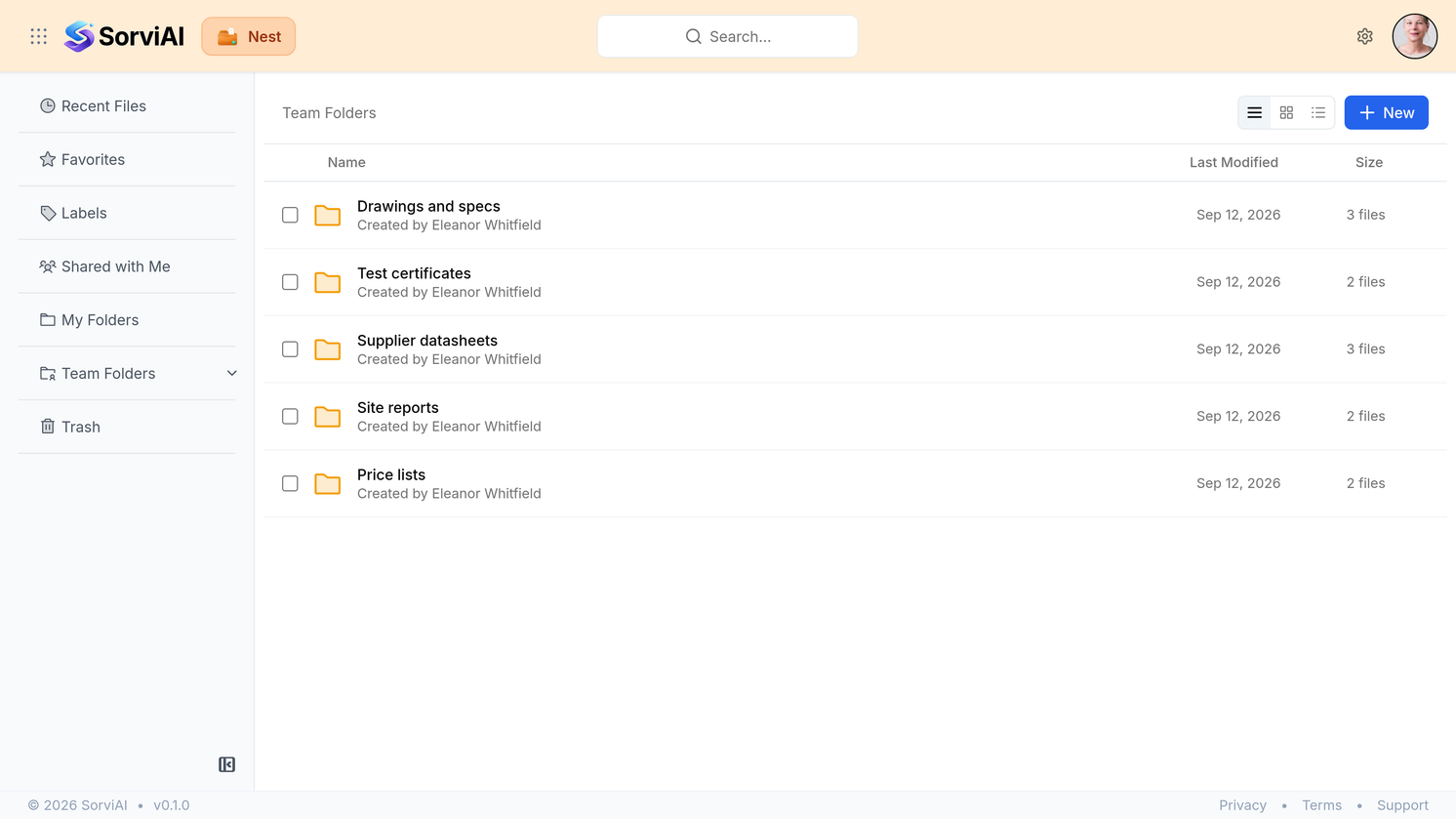
Team files
Shared team files and documents
A single store
A shared place instead of scattered drives
Four roles on a folder
Viewer, editor, organizer or admin on a folder that belongs to the workspace
Links that expire
Public links that carry an expiry and stop working on their own
Take any application on its own, or the suite
Every application above runs on the same workspace, the same sign-in and the same record. Begin with whichever covers the work that is least well served today.
30-day trial. No card needed. Export your data at any time.